
AudioMuse-AI: Free Open Source Alternative to Spotify AI DJ

Streaming services have made AI-powered music discovery feel like magic. Spotify's AI DJ picks the next song for you, builds playlists from a text prompt, and seems to know your taste better than you do. But that magic comes with a monthly subscription, and it only works on their catalog, not on the music collection you actually own.
AudioMuse-AI brings that same experience to your self-hosted music library, completely free and open source. Instead of relying on genre tags, metadata, or external APIs, it performs sonic analysis directly on your audio files: tempo, energy, mood, timbre, and a deep neural embedding of how each track actually sounds. From that analysis, it can find similar songs, build playlists from a plain-English prompt, bridge two tracks with a smooth listening journey, and even map your entire library as a 2D landscape you can explore.
It plugs into the music servers you already run, including Jellyfin, Navidrome, LMS, Lyrion, Emby, and Plex, and exports the playlists it creates right back into them. Everything runs on your own server, so your library and your listening data never leave your infrastructure.
In this overview, we deployed AudioMuse-AI on Elestio, our managed hosting platform, paired with a Jellyfin server, and walked through its main features.
Watch our platform overview
Jellyfin
AudioMuse-AI is not a music player. It analyzes your library and generates playlists, but the actual listening happens in your media server. For this overview we used Jellyfin, the popular free and open-source media server that streams your movies, shows, and music to any device.
The setup is straightforward: Jellyfin hosts your music library, and AudioMuse-AI connects to it through the Jellyfin API using a user ID and an API token. Once connected, AudioMuse-AI reads your library for analysis and writes generated playlists back, so they show up in Jellyfin like any other playlist, ready to play on your phone, TV, or browser.
One important detail: your music needs to live in a proper Music-type library in Jellyfin. If your audio files are on disk but not configured as a Music library, AudioMuse-AI will have nothing to scan.
There is also an official AudioMuse-AI plugin for Jellyfin that takes the integration further, powering features like real-time similar-song queueing directly inside the Jellyfin interface. Navidrome users get an equivalent plugin as well.
Initial Setup & Analysis
On first launch, AudioMuse-AI greets you with a setup wizard in the browser. Since version 1.0.0, almost everything is configured there rather than through environment variables: you pick your media server type, enter its URL and credentials, and adjust preferences. Only the PostgreSQL, Redis, and timezone settings still live in environment variables.
Once connected, the mandatory first step is the initial analysis. Nothing works until this scan has run. AudioMuse-AI processes every track in your library through its analysis pipeline, built on Librosa and ONNX, extracting tempo, energy, and mood attributes along with a 200-dimensional embedding vector that captures the sonic identity of each song. Lyrics are also processed when available, either fetched from your media server, retrieved from external lyrics APIs, or transcribed with Whisper as a fallback, which is what later powers search by meaning.
This is a one-time, compute-heavy job that runs in the background through a dedicated worker container, so you can watch its progress and come back later. Expect it to take a while: small libraries finish in hours, while very large collections on modest hardware can take days. On the hardware side, the recommendation is 4 cores, 8 GB of RAM, and an SSD, with a CPU that supports AVX2. There is also an nvidia variant that uses your GPU to speed up analysis on big libraries. After the initial run, new albums are picked up incrementally, so you never redo the full scan.
Song Alchemy
Song Alchemy is where AudioMuse-AI starts to feel genuinely different from a smart playlist. Instead of describing what you want, you show it. You mark tracks as ADD to pull the playlist toward their sound, and mark others as SUBTRACT to push it away.
Behind the scenes, AudioMuse-AI combines the embedding vectors of your selections to compute a target point in its sonic space, then finds the songs in your library closest to that blend. A live 2D preview shows where your mix lands and which tracks it captures, so you can iterate: add a song, subtract another, and watch the selection reshape in real time.
When the vibe is right, you export the result directly to your media server as a playlist. Recent versions even let you use an existing playlist as an input to Alchemy, which makes it a great tool for refining playlists you already have.
Artist Similarity
Beyond individual songs, AudioMuse-AI can work at the artist level. Pick an artist from your library and it surfaces the other artists whose catalogs sound the closest, based on the sonic analysis of their tracks rather than genre labels or collaborative filtering.
This is a great way to rediscover your own collection. Because the comparison is based on how the music actually sounds, you get connections that genre tags would never reveal, like a post-rock band sitting next to an ambient electronic producer because their textures and dynamics genuinely overlap.
Instant Playlist
Instant Playlist is the closest thing to Spotify's AI DJ experience: describe what you want in plain English, and get a playlist built from your own library. Ask for something like "an upbeat playlist for a Sunday morning road trip" and AudioMuse-AI's chat interface interprets the request, queries the sonic database, and assembles a matching playlist you can review and export to your media server.
This is the one feature family that uses a large language model. AudioMuse-AI supports any OpenAI-compatible provider, so you can bring your own API key, point it at a hosted option, or run a local model through something like Ollama. Everything else in AudioMuse-AI, including analysis, similarity, and search, runs purely on local processing with no key required.
Text & Lyrics Search
AudioMuse-AI offers two search modes that sound similar but do very different things.
Text Search finds songs by how they sound. Type "calm piano songs" or "energetic guitar" and it matches your query against the sonic characteristics of each track: mood, instruments, and genre as heard in the audio itself. This works even for tracks with poor or missing metadata, because the answer comes from the analysis, not the tags.
Lyrics Search finds songs by what they mean. Search for "love songs" or "songs about leaving home" and it matches against the semantic content of the lyrics processed during analysis. This is theme and story-based discovery, and it supports 72 languages, so it is not limited to English libraries.
Together they cover both sides of music discovery: the feeling of a track and the message behind it.
Music Map
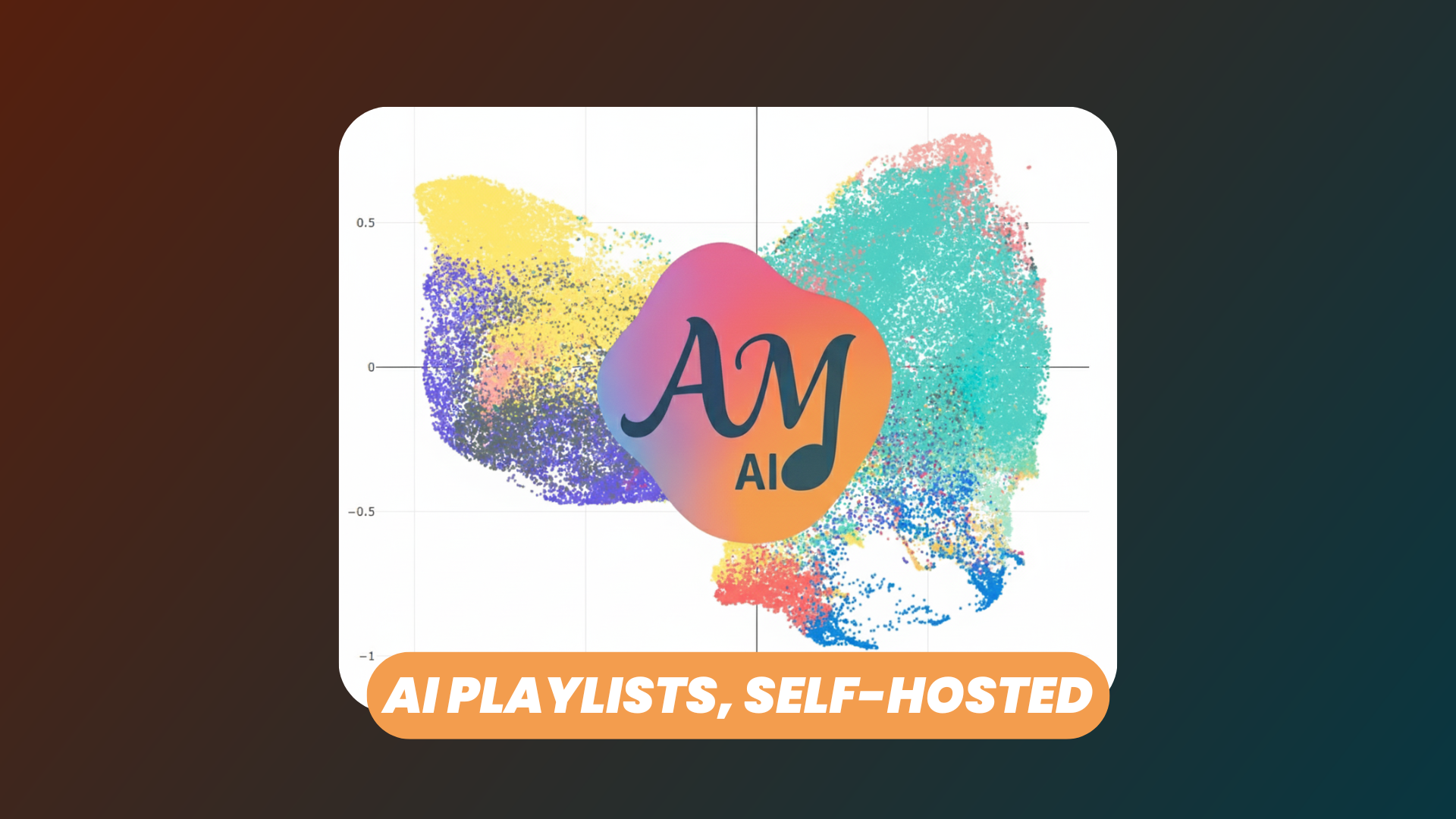
The Music Map is the feature you have to see. AudioMuse-AI takes the 200-dimensional embedding of every song in your library and projects it down to two dimensions using UMAP, producing an interactive map where sonically similar songs sit close together.
The result is a landscape of your entire collection. Clusters emerge naturally: your ambient corner, your metal region, the strange borderlands where genres blend. You can pan and zoom to explore, select groups of neighboring songs, and turn a region of the map directly into a playlist or a song path. It is both a beautiful visualization and a genuinely practical discovery tool.
Users
AudioMuse-AI also includes built-in authentication and user management. You can create accounts for each member of your household, and everyone logs into the same instance with their own credentials.
This matters because some features are personal by nature. Sonic Fingerprint, for example, builds playlists from listening history, so each user gets recommendations based on what they actually play, not a blend of the whole family's habits. API access is also protected behind the same authentication, with token support for plugins and third-party clients.
Conclusion
AudioMuse-AI delivers something that used to be exclusive to streaming subscriptions: intelligent, AI-driven music discovery, running entirely on your own server and your own library. Sonic analysis with no external APIs, natural-language playlists, similarity search, lyrics-based discovery, and a map of your whole collection, all free and open source.
You can deploy AudioMuse-AI yourself in minutes with Docker Compose by following the official documentation. The stack runs a Flask web app and a background worker, backed by PostgreSQL 15 and Redis.
Or use a platform like ours, Elestio, to deploy AudioMuse-AI seamlessly on your server or the cloud provider of your choice. We handle the installation, backups, updates, and ongoing maintenance for you, so you can focus on rediscovering your music.