
Cal.com API: Build Custom Booking Flows and Integrate with Your Stack

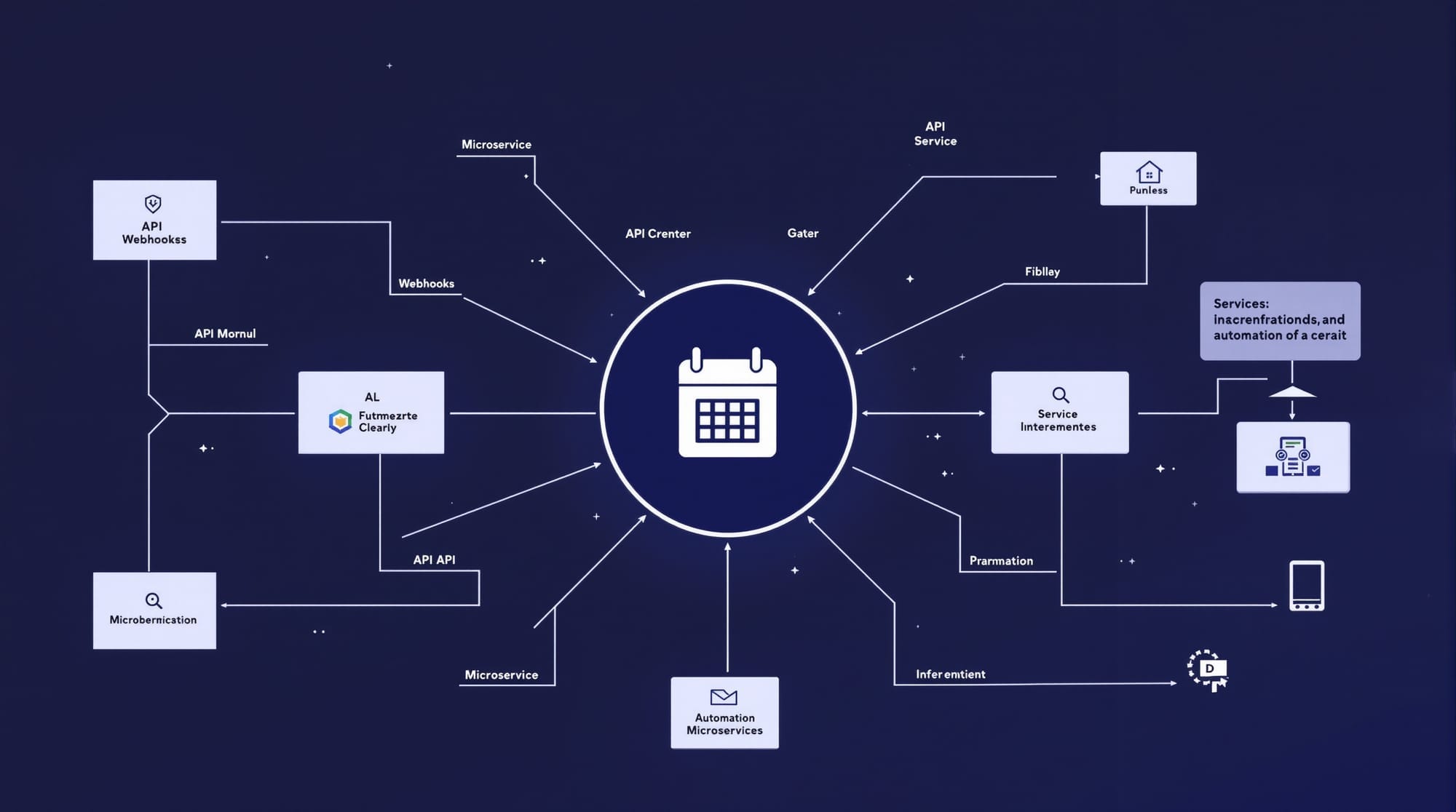
Look, I'm going to be real with you: most scheduling tools treat their API like an afterthought. A few endpoints here, some webhooks there, and you're left duct-taping everything together.
Cal.com is different. Their API is the product. Everything you can do in the UI, you can do programmatically. And if you're self-hosting (which you should be), you get unlimited API access without the rate limit anxiety.
Let me show you what's actually possible.
The API Architecture
Cal.com's REST API follows a clean pattern. Base URL: https://api.cal.com/v2 (or your self-hosted domain). Authentication via API key in headers. Standard HTTP methods. JSON everywhere.
curl -X GET "https://api.cal.com/v2/event-types" \
  -H "Authorization: Bearer cal_live_xxxxx" \
  -H "Content-Type: application/json" \
  -H "cal-api-version: 2024-08-13"
Rate limits are reasonable: 120 requests/minute with API key auth. Self-hosted? You control the limits.
The three endpoints you'll use most:
/v2/bookings- Create, read, update, cancel/v2/event-types- Manage your scheduling templates/v2/availability- Query and set available slots
Building Custom Booking Flows
Here's where it gets interesting. Want to embed scheduling directly into your app's checkout flow? Build a custom form that creates bookings without redirecting users?
const createBooking = async (eventTypeId, attendee, startTime) => {
  const response = await fetch('https://api.cal.com/v2/bookings', {
    method: 'POST',
    headers: {
      'Authorization': `Bearer ${process.env.CAL_API_KEY}`,
      'Content-Type': 'application/json',
      'cal-api-version': '2024-08-13'
    },
    body: JSON.stringify({
      eventTypeId,
      start: startTime,
      attendee: {
        name: attendee.name,
        email: attendee.email,
        timeZone: attendee.timezone
      },
      metadata: {
        // Your custom fields
        source: 'custom-checkout',
        orderId: attendee.orderId
      }
    })
  });
  return response.json();
};
The metadata field is your friend. Stuff whatever context you need in there—it'll show up in your webhook payloads and admin dashboard.
Webhooks That Actually Work
Cal.com's webhook system covers every lifecycle event you'd expect:
| Event | When It Fires |
|---|---|
BOOKING_CREATED |
New booking confirmed |
BOOKING_RESCHEDULED |
Attendee changed time |
BOOKING_CANCELLED |
Booking cancelled |
MEETING_STARTED |
Video call began |
MEETING_ENDED |
Video call ended |
RECORDING_READY |
Recording available |
Set them up in /settings/developer/webhooks or via API. The payload includes everything: attendee info, event details, your custom metadata.
Security matters here. Verify signatures using the secret key:
const crypto = require('crypto');

const verifyWebhook = (payload, signature, secret) => {
  const hmac = crypto.createHmac('sha256', secret);
  hmac.update(JSON.stringify(payload));
  const expectedSig = hmac.digest('hex');
  return signature === expectedSig;
};

// In your webhook handler
app.post('/webhook/calcom', (req, res) => {
  const signature = req.headers['x-cal-signature-256'];
  if (!verifyWebhook(req.body, signature, process.env.WEBHOOK_SECRET)) {
    return res.status(401).send('Invalid signature');
  }
  // Process the webhook...
});
N8N Automation Example
This is where self-hosted Cal.com + N8N becomes powerful. Both running on your infrastructure, talking directly to each other.
Workflow: Auto-create CRM contact on new booking
- Webhook Trigger - Listen for
BOOKING_CREATEDevents - Transform Data - Map Cal.com fields to your CRM schema
- HTTP Request - POST to your CRM API
- Slack Notification - Alert your sales team
The N8N webhook node receives the Cal.com payload directly. No third-party data processing. Your booking data never leaves your infrastructure.
{
  "trigger": "BOOKING_CREATED",
  "payload": {
    "title": "Discovery Call - Acme Corp",
    "attendee": {
      "name": "Jane Smith",
      "email": "jane@acme.com"
    },
    "startTime": "2025-12-20T14:00:00Z"
  }
}
White-Label Embedding
Three embed styles, each with full customization:
Inline Embed - Calendar renders directly in your page:
<cal-inline
  calLink="yourteam/discovery-call"
  style="width:100%;height:600px;overflow:scroll"
></cal-inline>
<script src="https://your-calcom-instance.com/embed/embed.js"></script>
Pop-up Button - Floating action button:
<cal-floating-button
  calLink="yourteam/discovery-call"
  buttonText="Book a Demo"
  buttonColor="#4F46E5"
></cal-floating-button>
React Component - For React/Next.js apps:
import Cal from "@calcom/embed-react";

export default function BookingSection() {
  return (
    <Cal
      calLink="yourteam/discovery-call"
      style={{ width: "100%", height: "100%" }}
      config={{
        theme: "dark",
        hideEventTypeDetails: false
      }}
    />
  );
}
Self-hosted users: point the embed script to your own instance. Complete white-label with zero Cal.com branding.
Troubleshooting Common Issues
Webhooks not firing?
Check your subscriber URL is publicly accessible. Cal.com needs to reach it. For local development, use ngrok or similar.
Rate limit errors?
You're hitting 120 req/min. Implement exponential backoff or batch your requests. Self-hosted users can increase limits in config.
Booking creation returns 400?
Usually missing required fields. The API needs eventTypeId, start, and attendee email at minimum. Check your timezone format—ISO 8601.
Embed styling conflicts?
Cal.com injects its own CSS. Use the config object to match your brand colors, or wrap the embed in an iframe for complete isolation.
Deploy on Elestio
Self-hosting gives you unlimited API access, webhook privacy, and white-label freedom. But managing Docker, SSL, backups, and updates is work.
Deploy Cal.com on Elestio in under 5 minutes. You get a dedicated instance with automated maintenance, SSL encryption, and daily backups. Infrastructure starts at $16/month—a fraction of what you'd pay per-seat on the cloud version.
Your scheduling data stays on your infrastructure. Your API. Your rules.
Thanks for reading. See you in the next one.