
ClawdBot Just Broke the Internet: Deploy Your Own AI Assistant in Minutes

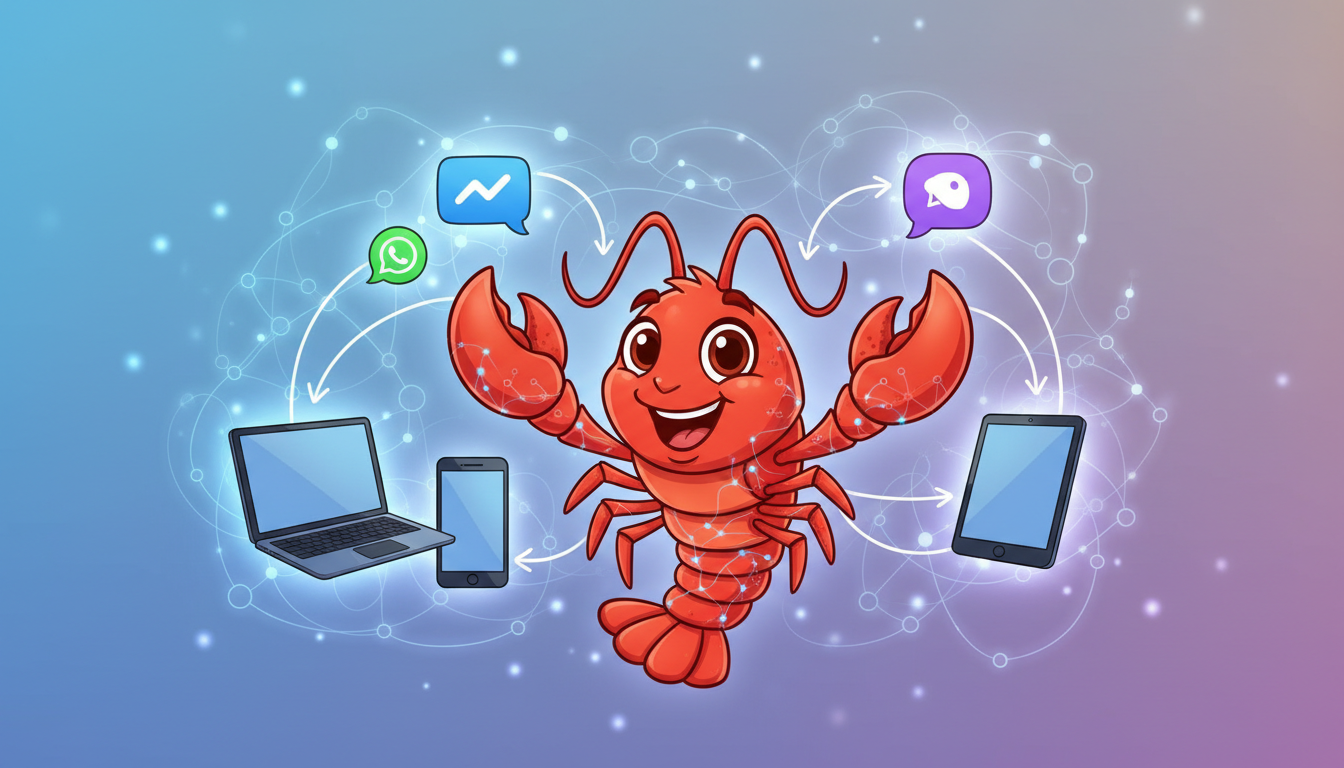
You've probably seen it everywhere this week. Your Twitter feed. Hacker News. That one Slack channel where the senior dev posts "interesting stuff." ClawdBot just gained 9,000 GitHub stars in a single day, and Andrej Karpathy himself gave it a public endorsement. People are calling it "Jarvis living on a hard drive" and "Claude with hands."
So what's all the fuss about?
ClawdBot is an AI Assistant That Actually Does Things
Unlike ChatGPT or Claude sitting in a browser tab waiting for you to copy-paste, ClawdBot runs on your own infrastructure and connects to the messaging apps you already use. WhatsApp, Telegram, Discord, Slack, Signal, iMessage, Microsoft Teams. Same assistant, same memory, everywhere.
The key difference? It's proactive. ClawdBot can message YOU first with morning briefings, reminders, and alerts. It remembers conversations from weeks ago. It can execute terminal commands, write scripts, browse the web, and control your smart home. It's the AI assistant that science fiction promised us, finally delivered through open-source.
Why Everyone Wants It Right Now
Three things are driving the hype:
Persistent memory. Most AI assistants forget everything between sessions. ClawdBot remembers your preferences, past conversations, and context indefinitely. Tell it once that you prefer TypeScript over JavaScript, and it remembers forever.
Multi-channel presence. Same AI, everywhere. Start a conversation on WhatsApp, continue on Slack, finish on Discord. Your assistant follows you across platforms without losing context.
Self-improvement. When ClawdBot encounters a task it doesn't know how to do (like converting videos to GIFs), it can write its own code to solve it and install that capability on itself. It literally gets smarter the more you use it.
The Self-Hosting Reality Check
Here's where it gets tricky. ClawdBot is open-source and self-hostable, which sounds great until you actually try to set it up.
The requirements are specific: Node.js 22+, 2-4GB RAM minimum, Linux or macOS (Windows requires WSL2). But that's just the beginning.
Common issues people hit:
- PATH problems on Windows where the command isn't recognized after install
- Memory crashes on small VPS instances during npm install
- Service persistence issues on Linux requiring manual systemd configuration
- Docker image problems with missing manifests
- WhatsApp and Telegram integration requiring careful authentication setup
- Browser automation needing Chrome/Chromium with DevTools Protocol configured
The community advice? "It works, but expect rough edges." Start without channels or skills, add them one by one, and be ready to debug.
For developers comfortable with Node.js, systemd services, and troubleshooting dependency issues, it's manageable. For everyone else, it's a weekend project that might stretch into a week.
Skip the Headache: ClawdBot on Elestio
This is exactly why we added ClawdBot to the Elestio catalog. Three different clients asked us for it just today. The demand is real, and the installation pain is equally real.
On Elestio, you get:
| What You Get | DIY Self-Hosting | Elestio |
|---|---|---|
| Setup time | Hours to days | Minutes |
| Node.js 22 configuration | Manual | Pre-configured |
| Memory optimization | Trial and error | Right-sized VMs |
| Service persistence | systemd debugging | Managed automatically |
| SSL certificates | Manual Let's Encrypt | Automated |
| Backups | DIY scripts | Daily, automated |
| Updates | Manual git pulls | One-click |
Deploy ClawdBot on Elestio and you skip straight to the fun part: configuring your integrations and watching your AI assistant come to life.
Getting Started
- Head to elest.io/open-source/clawdbot
- Select your provider (Netcup, Hetzner, DigitalOcean, etc.)
- Choose a VM with at least 2 CPU / 4GB RAM
- Click Deploy
Once deployed, access your instance and run through the onboarding wizard. Connect your preferred messaging channels, set up your AI model (Claude or OpenAI), and start chatting.
For custom domain setup with automated SSL, follow the official Elestio documentation.
Is ClawdBot Worth the Hype?
Look, I've seen a lot of "next big things" come and go. But ClawdBot hits different. The combination of persistent memory, multi-platform presence, and actual system access creates something genuinely new. It's not just another chatbot. It's closer to having a digital employee who never sleeps.
The caveats are real too. Some users report burning through $300+ in API tokens in two days. Security researchers have flagged concerns about untrusted input handling. And giving an AI full system access is inherently scary.
But for teams and individuals who want to experiment with truly autonomous AI assistance, ClawdBot is the most accessible way to get there. And with Elestio handling the infrastructure, you can focus on what matters: teaching your lobster assistant to be useful.
Need More Than One Assistant?
ClawdBot is perfect for individual power users. But if you're looking to deploy an entire team of AI employees for your business, check out Geta.Team. It's a self-hosted platform where named AI employees (DevOps, Marketing, Sales, Support) work autonomously 24/7 with their own email addresses and persistent organizational memory. Think of it as ClawdBot's enterprise cousin: same self-hosted philosophy, but built for teams that need multiple specialized agents handling different business functions.
Troubleshooting
ClawdBot not responding to messages? Check the Gateway logs with docker-compose logs -f clawdbot. Ensure your messaging channel authentication is valid.
High API costs? Configure token limits in your clawdbot.json. Consider using Claude Haiku for simple tasks and Opus only for complex ones.
Memory issues? Upgrade to a larger VM (4GB+ RAM recommended for browser automation). Check if swap is enabled.
Channel not connecting? Re-run the onboarding wizard for that specific channel. Some integrations (WhatsApp, Signal) require re-authentication periodically.
Thanks for reading! The lobster revolution is here, and it's deployable in a few clicks.