
Countly: Free Open Source Analytics Platform for Web and Mobile Apps

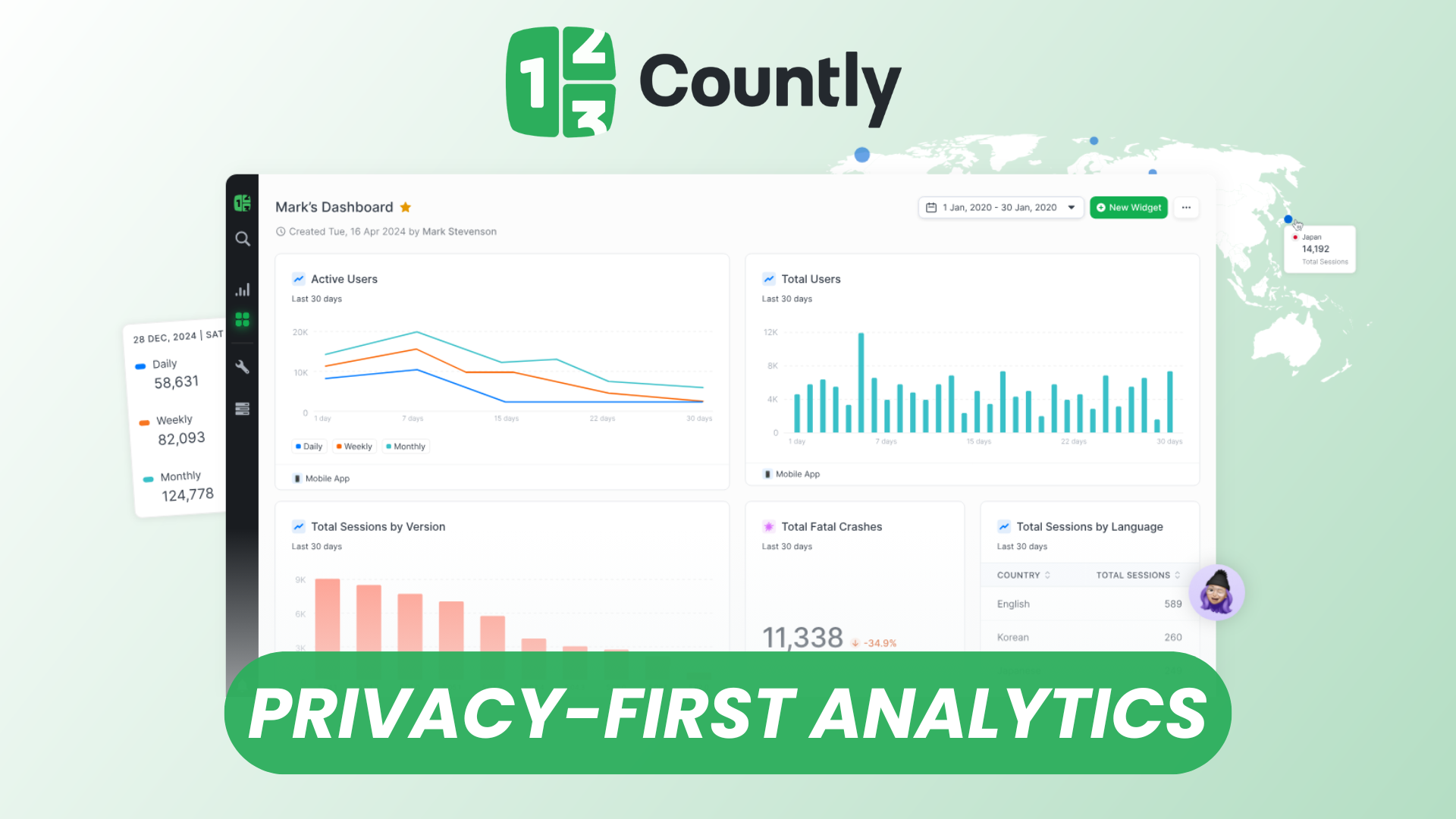
Countly is a fully open source, extensible analytics platform designed to give organizations complete ownership and visibility over their product data. It provides real-time behavioral insights for web, mobile, and desktop applications, with optional enterprise-grade modules for advanced analytics. Its self-hosted deployment model makes it particularly attractive to teams that need data sovereignty, strong privacy guarantees, or custom tracking that goes beyond SaaS analytics platforms.
Countly’s modular interface, broad SDK coverage, and event-driven architecture make it suitable for product teams, data analysts, developers, and growth managers looking to unify analytics without compromising control.
Watch our platform overview on our YouTube Channel
Application Creation
Countly structures analytics around “applications,” each representing a web, mobile, or desktop environment you want to track. Creating a new application defines its data boundaries and generates the App Key and server endpoint required for SDK configuration.
When you create an application in Countly, you specify:
- Platform type (iOS, Android, Web, Desktop, or Custom)
- Application name
- Default time zone
- Default country and locale
Once created, Countly immediately provides a dedicated namespace for events, funnels, cohorts, and custom dashboards related to that application. This separation simplifies analysis when managing multiple environments (e.g., staging vs. production, web vs. mobile).
Users & Permissions
Countly includes a robust, role-based access control (RBAC) system that enables administrators to define which users can view, manage, or modify data.
Key capabilities include:
- Fine-grained permissions per application
- Role templates (e.g., Admin, Developer, Analyst)
- Ability to restrict access to specific features (dashboards, events, cohorts, feedback tools, etc.)
- Two-factor authentication and SSO support (OAuth, LDAP, SAML in enterprise builds)
This structure ensures that developers can access SDK and integration tools, analysts can work with dashboards and reports, and managers can review top-level KPIs—without exposing unnecessary configuration options or sensitive data.
App Settings
Each application in Countly offers a dedicated settings panel allowing teams to control tracking behavior and define metadata.
Key configuration areas include:
- App Key management
- API endpoints
- Time zone and locale configuration
- Device ID behavior (merge, override, persist)
- Metric overrides (app versioning, session definitions, etc.)
- Integration with push notifications or remote configuration (when applicable)
App Settings are critical for maintaining consistent analytics across versions, platforms, and environments.
SDKs
Countly’s SDK ecosystem is one of the most comprehensive among open source analytics platforms. It provides first-party SDKs for:
- Mobile: iOS, Android, React Native, Flutter, Cordova
- Web: JavaScript, TypeScript
- Desktop: Unity, Windows, macOS, Electron
- Backend: Node.js, Python, PHP, Ruby, Java, .NET
The SDKs support a wide range of tracking capabilities, including:
- Automatic session tracking
- Custom event logging with segmentation
- User profile updates
- Crash reporting
- Remote configuration
- Performance metrics (depending on the module)
This broad coverage allows you to unify analytics across heterogeneous application stacks.
Analytics Dashboard
The Countly dashboard consolidates real-time analytics into a modular and customizable interface. Core dashboards provide visibility into:
- User activity (DAU, MAU, retention, churn)
- Session metrics
- User geolocation and locale
- Device, OS, browser, and app version breakdowns
- Event performance
- Funnels and cohorts (enterprise features)
Data visualizations are interactive, with filtering and segmentation options that allow deeper analysis of user behavior and product performance.
Custom Properties & Events
Countly’s event-driven architecture gives teams full control over what they track.
Custom User Properties
User profiles support custom properties such as:
- Subscription tier
- Customer type
- Onboarding step
- Feature flags
These enrich segmentation, funnels, and cohorts.
Custom Events
Custom events allow granular behavioral tracking with optional segmentation. For example:
- “Product Viewed” with category, price, or location segment
- “Feature Used” with feature name or frequency
- “Checkout Started” with step or payment type
This flexibility enables detailed product analytics tailored to your business objectives.
Feedback Rating Tool
Countly includes built-in feedback modules, such as the Ratings widget, allowing you to collect user sentiment directly inside your application.
Capabilities include:
- In-app rating prompts
- Configurable triggers and targeting
- User comments and contextual feedback
- Trend analysis over time
- Exporting or integrating feedback into product workflows
The tool helps teams close the loop between analytics and qualitative user insights.
Custom Dashboards
Custom Dashboards allow each team or stakeholder to build personalized views of the metrics they care about most.
Key features:
- Drag-and-drop widgets
- Support for metrics, events, funnels, cohorts, and retention
- Granular filters and time-range controls
- Sharing options for cross-functional collaboration
- Export and automated reporting (scheduled reports available in enterprise versions)
Custom dashboards make Countly scalable across product, engineering, marketing, and leadership teams.
Conclusion
Countly is a powerful, privacy-first, open source analytics platform suitable for modern teams that need deep insights across web and mobile ecosystems while maintaining full control over their data. With its modular architecture, extensive SDK coverage, customizable dashboards, and advanced event-driven analytics, Countly provides a comprehensive alternative to vendor-locked SaaS solutions. Whether you are operating a small product or a large multi-platform ecosystem, Countly delivers the flexibility and observability required to understand user behavior and optimize product performance.