
Cryptomator: Free Open Source Cloud Encryption Tool

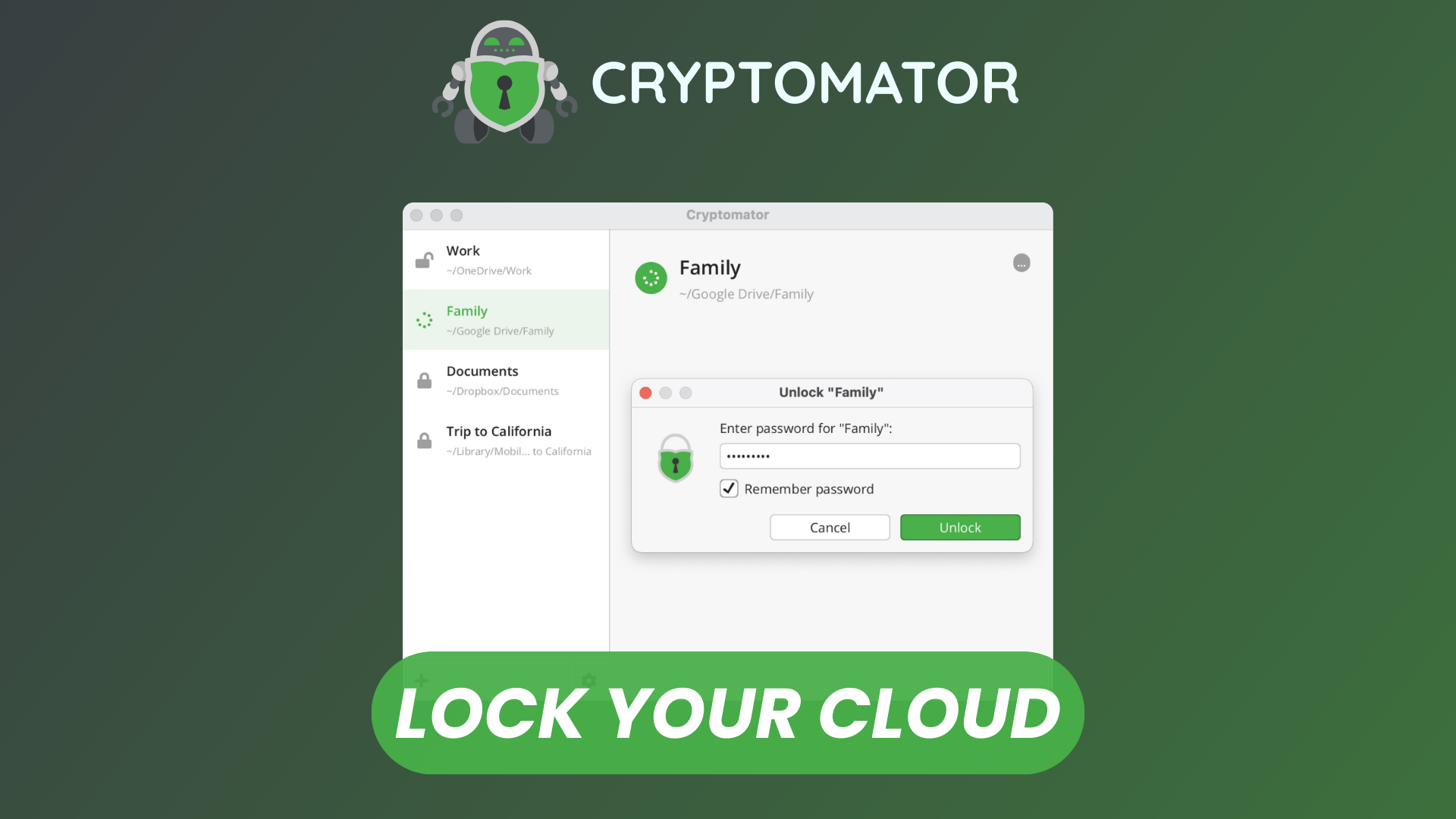
As cloud storage becomes an integral part of both personal and professional workflows, concerns around data privacy and confidentiality continue to grow. Most cloud providers encrypt data on their servers, but users must still trust those providers with access to their files. Cryptomator addresses this trust gap by offering client-side encryption, ensuring that files are encrypted before they ever leave your device.
Cryptomator is a free, open-source encryption tool designed to protect files stored in cloud services such as Google Drive, Dropbox, OneDrive, and others. It integrates seamlessly with existing cloud storage solutions while giving users full control over their encryption keys and data security.
Watch our platform overview on YouTube
Secure Account Key
At the core of Cryptomator’s security model is its account key, which is derived from a user-defined password. This key never leaves the local device and is never shared with any cloud provider. Cryptomator uses strong, modern cryptographic standards to derive and manage encryption keys securely.
Because Cryptomator follows a zero-knowledge approach, losing the account password means losing access to the encrypted data. There is no password recovery mechanism, which reinforces the importance of securely storing credentials. This design ensures that only the user—and no third party—can decrypt the data.
Vault Creation
Cryptomator organizes encrypted data into structures called vaults. A vault is essentially an encrypted folder that can be placed anywhere, including inside a synced cloud directory.
Creating a vault is straightforward:
- Choose a location for the vault (typically within a cloud-synced folder).
- Assign a name to the vault.
- Set a strong password to protect it.
Once created, Cryptomator encrypts file names, directory structures, and file contents, preventing cloud providers from inferring metadata or file relationships.
Cryptomator Clients
Cryptomator provides clients for multiple platforms, including Windows, macOS, Linux, Android, and iOS. Desktop clients integrate with the operating system’s file manager, exposing unlocked vaults as virtual drives or mounted folders. This allows users to work with encrypted files as if they were normal, unencrypted files.
Mobile clients focus on secure access and file preview, making it possible to view, upload, and manage encrypted files on the go. The consistent user experience across platforms makes Cryptomator suitable for both individual users and teams working across devices.
Unlocking Vault
To access the contents of a vault, the user must unlock it by entering the vault password. Upon unlocking, Cryptomator decrypts files on demand and presents them through a virtual file system. Encryption and decryption happen transparently in the background.
When the vault is locked again, all decrypted data is removed from the virtual drive, leaving only encrypted files in the cloud. This ensures that sensitive data remains protected even if the cloud storage account itself is compromised.
Encrypted on the Cloud
One of Cryptomator’s strongest advantages is that encryption happens entirely on the client side. Files stored in the cloud appear as random, meaningless data to anyone without the encryption key.
Even file names and directory hierarchies are encrypted, reducing metadata leakage. Because Cryptomator is cloud-agnostic, it works with virtually any cloud storage provider, local network drives, or external storage devices.
Team Members & Roles
Cryptomator can be integrated into team environments where controlled access and identity management are required. Under the hood, it can leverage Keycloak for authentication and authorization, enabling centralized identity management across users and systems.
By using Keycloak, teams can define fine-grained permissions based on roles, groups, and access policies. This allows administrators to control who can access specific vaults, manage user lifecycles, and enforce security rules such as password policies or multi-factor authentication. Access rights can be adjusted without re-encrypting data, making it easier to manage permissions as teams grow or change.
This approach makes Cryptomator suitable not only for individual use but also for organizational setups where compliance, role separation, and scalable access control are important considerations.
Conclusion
Cryptomator offers a simple yet robust solution for anyone seeking control over their cloud data privacy. By encrypting files locally and remaining fully open source, it removes the need to trust cloud providers with sensitive information.
Its ease of use, cross-platform availability, and strong security model make Cryptomator an excellent choice for individuals and teams alike. For users who value transparency, privacy, and ownership of their data, Cryptomator stands out as a reliable and accessible encryption tool in an increasingly cloud-driven world.