
Erugo: Free Open Source File Sharing Platform

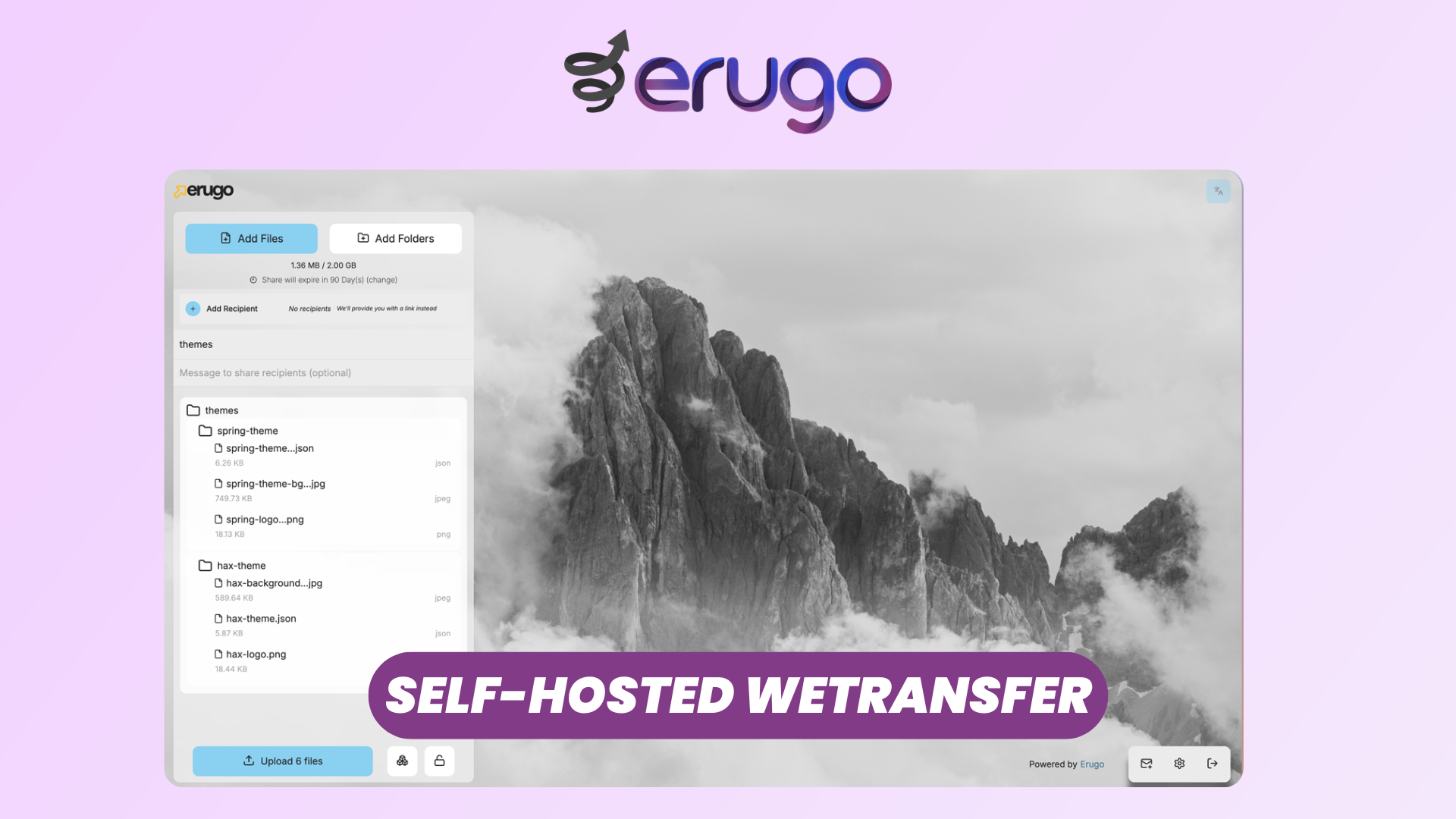
Sending a large file usually means uploading it to WeTransfer, Dropbox, or Google Drive and hoping the other side grabs it before the link expires. It works, but your files sit on someone else's servers, and you have little real control over who can reach them or how long they stay there. For a client contract, a signed W9, or anything carrying personal data, that is a lot of trust to hand to a third party.
Erugo is a self-hosted alternative. It is a free, open source (MIT licensed) file sharing platform you run on your own server, so every file you send stays on infrastructure you control. It is light enough to run on 512MB of RAM, even a Raspberry Pi, and you deploy it with a single Docker command.
Watch our platform overview on our YouTube channel.
Uploading & Share Options
Once you are logged in as admin, creating a share is the first thing you will do. You add one or more recipients by email, say John Doe and Jane Doe, drop in your files, and decide how the share behaves.
You can send a single file, a W9 for example, or a whole folder that keeps its structure intact. By default a share expires after 7 days, but that is easy to change: click the expiry and set it to any value up to 10, in days or weeks. Before uploading, you can add a password for an extra layer of security. Then you send, and your recipients get an email with the link.
SMTP Setup
For those recipient emails to actually go out, along with password resets and user invites, Erugo needs an SMTP server. You configure this once in the system settings with your mail host, port, and credentials. Until it is set up, shares still work through their links, but no notification emails are sent. It is the first thing worth configuring on a fresh instance.
Password Protection
Any share can be locked with a password that you set at upload time. The recipient has to enter it before they can see or download anything. Paired with an expiration date and a download limit, this gives you three independent controls over a single share: who can open it, how long it lives, and how many times it can be downloaded.
Human-friendly Links
Instead of a random string of characters, Erugo builds share links out of real words, something like /shares/quiet-cloud-shrill-thunder. They are easier to read out over the phone, easier to paste into a message without it looking like spam, and easier to recognize later in your dashboard.
Recipient View
The person receiving a share does not need an account. They open the link, enter the password if you set one, and download the files. That is the whole experience on their side. You can see exactly what they get by trying the public demo at demo.erugo.app.
Resume Upload
Large uploads survive interruptions. If your browser crashes or you close the tab halfway through, Erugo remembers the transfer. Reload the page and it tells you an upload was already in progress, so you can pick up where it stopped or start fresh. On a flaky connection or a multi-gigabyte file, that saves you from starting over from zero.
Reverse Share
This is the feature most file-sharing tools skip. Instead of sending files, you can request them. You create a reverse share for someone, John Doe again, add a short note like "Please send me your W9", and Erugo generates a link they use to upload files back to you. No account required on their side. It is the self-hosted answer to "request a file", and it is exactly what you want when you need to collect documents from clients.
Dashboard
The dashboard is where you manage everything after the fact. You see stats across your shares, browse the full history, and check how many times each one was downloaded. Need to cut off access early? Revoke a share in one click. Someone needs more time? Extend the expiry. Every share you or your users created lives in one place.
Users & Invites
Erugo is multi-user. From the same interface you create and manage users and browse the shares each of them has made. Self-registration is off by default, which is usually what you want, but you can enable it if you would like people to sign up themselves with a simple email and password. You can also add an external auth provider such as Google, so users log in with an account they already have. Only authorized users can create shares, so opening the instance up to a team does not mean losing control of it.
Branding & Themes
Under branding and UI, you make the instance your own. Change the logo, the colors, and the interface updates to match, so you can hand clients a share page that looks like your company instead of a generic tool. Light and dark themes are built in, and you can go further with custom themes. You also get full control over the emails Erugo sends, from the account-created message to the share-deletion warning, in the email templates section.
Conclusion
Erugo handles the everyday file sharing you would normally open WeTransfer or Dropbox for, without giving up ownership of your data. Uploads and folders, password-protected and time-limited shares, reverse shares for collecting files, a clean dashboard, multi-user access, and full branding, all running on a server you control and licensed under MIT.
Deploy your Erugo instance with Elestio, and we take care of installation, backups, updates, and ongoing maintenance for you.
To learn more about Erugo and everything it can do, check the official documentation.