
Garage: Self-Host Your Own S3 Storage for Free

Object storage has become a foundational building block for modern applications powering everything from backups and media hosting to data pipelines and static websites. While managed solutions like AWS S3 are convenient, they come with recurring costs, vendor lock-in, and limited control over infrastructure.
Garage is an open-source, lightweight, and distributed object storage system that implements an S3-compatible API. It allows you to run your own storage layer on commodity hardware, whether that’s a single machine, a homelab cluster, or a distributed setup across multiple locations. The key value proposition is simple: own your data, control your costs, and scale on your terms.
In this post, we’ll walk through Garage’s core features and how it enables you to self-host S3 storage effectively.
Watch our platform overview
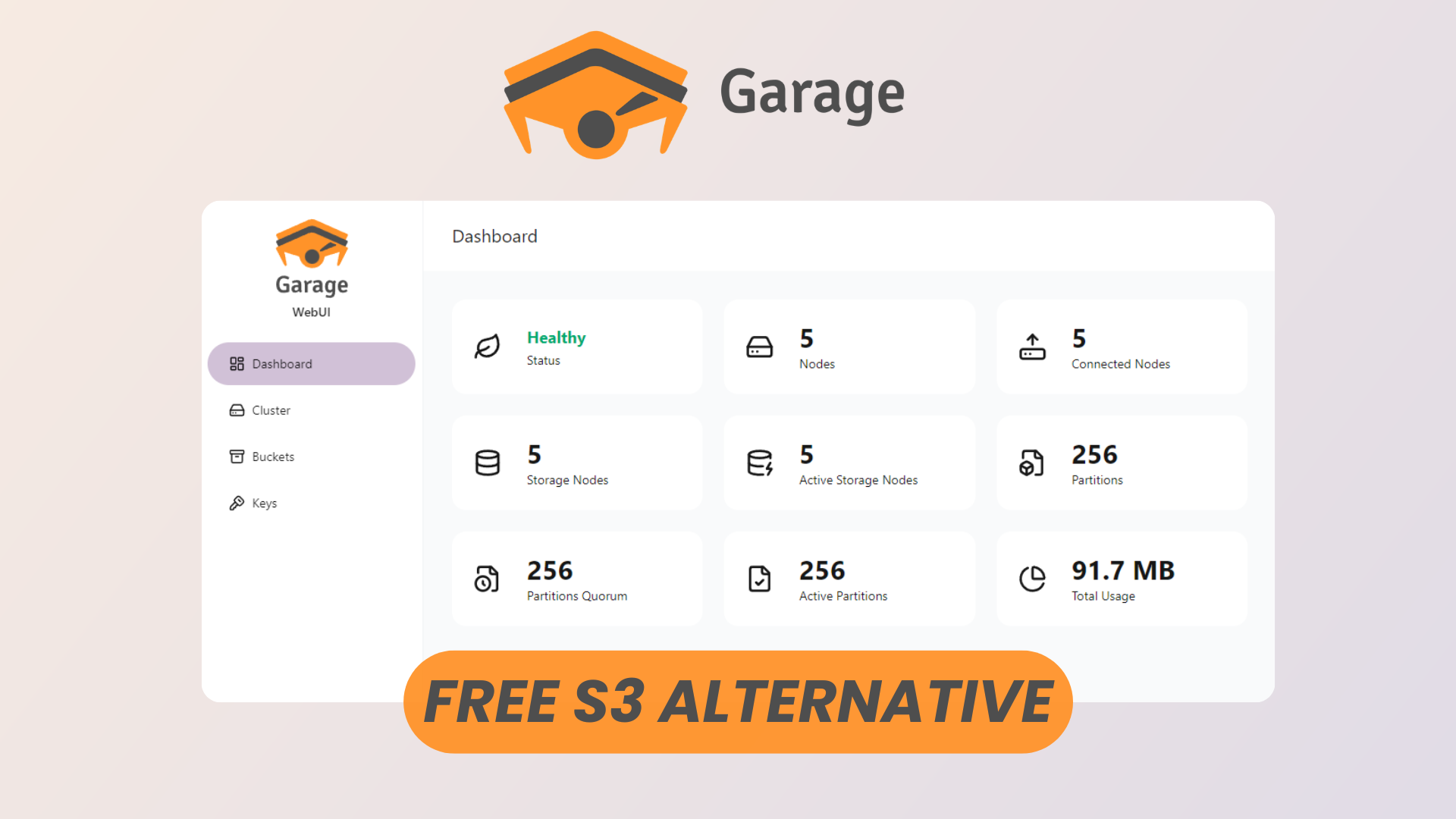
Admin UI & Analytics
Garage provides a clean and functional web-based admin interface that simplifies operational tasks. Unlike many self-hosted systems that rely heavily on CLI interactions, Garage gives you immediate visibility into your storage system.
From the admin UI, you can:
- Monitor node health and cluster status
- Track storage usage across buckets
- View request metrics and system activity
- Identify bottlenecks or imbalances in your cluster
While it’s not as feature-heavy as enterprise dashboards, it strikes a strong balance between simplicity and usability. For most self-hosted deployments, it provides exactly what you need without unnecessary complexity.
API Keys
Authentication in Garage is handled through API keys, similar to AWS IAM access keys.
Each key consists of:
- An access key ID
- A secret access key
You can generate and manage these keys via the admin interface or CLI. Keys are scoped with permissions (more on that later), making it easy to:
- Isolate applications
- Rotate credentials
- Enforce least-privilege access
This model integrates seamlessly with existing S3-compatible tools and SDKs, meaning you don’t need to reinvent your authentication layer.
S3 Compatible
One of Garage’s strongest advantages is its full S3 API compatibility.
This means you can use:
- AWS SDKs (JavaScript, Python, Go, etc.)
- CLI tools like
aws-cli - Backup tools like
restic,rclone, orvelero - Applications expecting an S3 backend
In practice, switching from AWS S3 to Garage often requires only:
- Changing the endpoint URL
- Providing your Garage API credentials
This compatibility drastically lowers the barrier to adoption and makes Garage a drop-in replacement for many workloads.
Buckets
Buckets in Garage function just like in S3: they are the top-level containers for your objects.
With buckets, you can:
- Organize data by application or environment
- Apply lifecycle or access rules (via tooling)
- Separate workloads cleanly
Garage keeps bucket management straightforward:
- Create and delete buckets easily
- Assign access policies per bucket
- Monitor usage per bucket through the UI
Because Garage is designed for simplicity, it avoids over-engineering bucket features while still supporting the essentials needed for real-world use.
Permissions
Garage implements a fine-grained permission system tied to API keys.
Permissions can be scoped to:
- Specific buckets
- Read-only vs read-write access
- Administrative operations
This allows you to:
- Give an application access to only one bucket
- Prevent accidental deletions
- Enforce clear boundaries between services
While not as complex as AWS IAM, the model is intentionally minimal and easier to reason about—especially in smaller or self-managed environments.
Clusters
Garage is built as a distributed storage system, meaning it can scale horizontally across multiple nodes.
Key characteristics:
- Data replication across nodes for durability
- Fault tolerance in case of node failure
- Flexible cluster expansion (add nodes as needed)
You can start small:
- A single-node deployment for testing or homelab use
And scale up to:
- Multi-node clusters across servers or locations
This makes Garage suitable for:
- Personal backups
- Small-to-medium production workloads
- Edge or decentralized deployments
Documentation
Garage’s documentation is concise and developer-focused. It covers:
- Installation and setup
- Cluster configuration
- API usage
- Operational best practices
While not overly verbose, it provides enough depth to:
- Get started quickly
- Troubleshoot common issues
- Understand architectural decisions
Because Garage is open-source, you can also rely on:
- Community discussions
- Git repositories
- Real-world deployment examples
Conclusion
Garage offers a compelling alternative to managed object storage services by combining:
- S3 compatibility
- Distributed architecture
- Lightweight deployment
- Zero licensing cost
It’s particularly well-suited for developers, startups, and homelab enthusiasts who want:
- Full control over their storage
- Predictable costs
- A system that scales with their infrastructure
While it may not replace AWS S3 for massive enterprise workloads, it excels in scenarios where simplicity, ownership, and cost efficiency matter most.
If you’re looking to self-host your own S3-compatible storage, Garage is absolutely worth exploring.