
GetATeam: Free AI Employees Platform

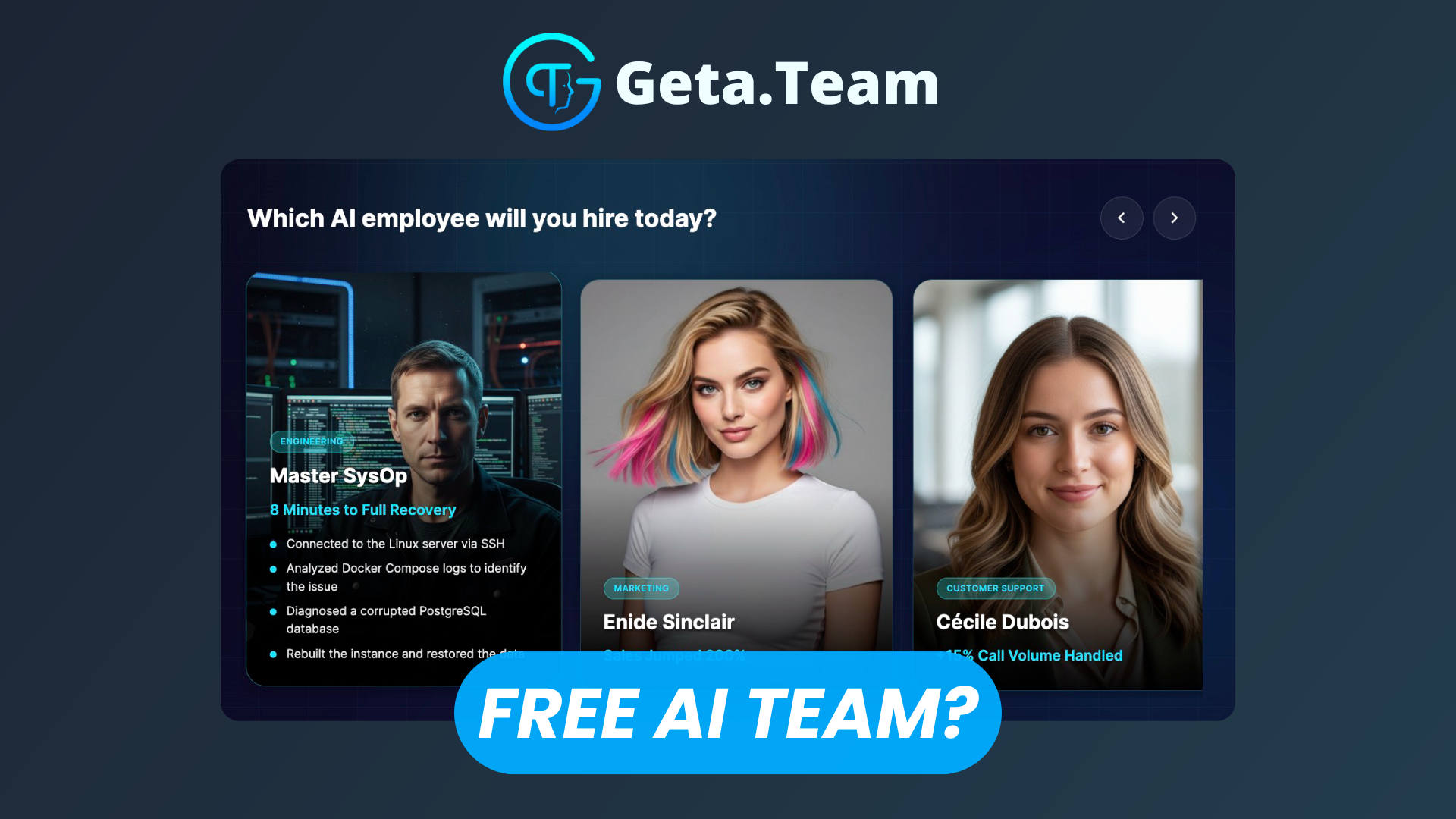
As businesses increasingly embrace automation and AI-driven productivity, GetATeam stands out by offering a platform where organizations can deploy AI employees that think, remember, and execute real work rather than simply respond like a typical chatbot. Unlike consumer AI assistants, GetATeam is designed as an AI employment platform—complete with long-term memory, branded identity, autonomy across tools, and deep integrations into business workflows.
Whether you're a solo entrepreneur or an enterprise team, GetATeam enables you to build an AI workforce that fits your needs.
Watch our dedicated platform overview on YouTube
Company Setup
Getting started with GetATeam involves creating your organization’s workspace on the platform. During setup you define:
- Organization details (company name, domain)
- Primary use cases (sales support, marketing, customer service)
Once the workspace is ready, you’ll connect core AI services that power your AI employees (see next section).
Adding Gemini & FAL API Keys
GetATeam operates on a Bring Your Own AI (BYOA) model, meaning you supply your own API credentials for large language and media models:
- Gemini API (Google) — for advanced conversational responses
- FAL API — typically used for image/video generation components
Integrating your own API keys gives you full control over spending, performance limits, and data handling—and avoids hidden markup fees. This setup ensures that AI processing costs remain transparent and predictable.
Creating Our First AI Employee
With APIs connected and your workspace configured, the next step is constructing your first AI employee.
- Role selection: Choose a predefined role such as Sales Development Rep, SEO Specialist, or Customer Support Agent.
- Skill assignment: Assign skills aligned to the role (e.g., lead qualification, email outreach).
- Branding: Give the AI employee a name and personalize its style to match your company voice.
- Launch: Within minutes, your AI employee is ‘on the job’, capable of handling tasks autonomously.
This onboarding process can take under 5 minutes from start to first deployment.
Setting up Claude
GetATeam supports connections to multiple AI engines, including Anthropic’s Claude series. To connect Claude:
- Obtain your Claude API key (via your Anthropic account).
- Add the API key to GetATeam under Integrations → Models.
- Assign Claude to your AI employee, then configure its memory depth and role behavior.
Using Claude expands the depth of reasoning and contextual understanding available to your AI team.
Pre-defined Tasks with Use Cases
GetATeam employees are equipped with a catalog of skills across key business activities:
- Sales: Prospecting messages, follow-ups, pipeline summaries
- Marketing: Content drafting, SEO tasks, campaign ideation
- Customer Success: Support responses, ticket triage
- Operations: Scheduling, documentation, research briefs
These tasks are not templates — the AI executes and completes work (e.g., sends an email, drafts a report) rather than returning a draft for the user to refine.
LinkedIn Integration
One of GetATeam’s powerful integrations enables your AI employee to manage LinkedIn presence on your behalf. Through the LinkedIn connector:
- Your AI learns your voice from past posts.
- It creates content (posts, comments) that reflects your personal brand.
- It handles network growth actions like personalized connection requests and engagement.
This setup is completed via OAuth in a few clicks, taking under two minutes.
Media Generation
AI employees can also create visual and media assets (images, short clips, audio) using connected media models like FAL. These assets can augment social posts, presentations, and customer interactions without manual design work.
(Note: The media generation capability derives from API models you connect rather than a fixed platform quota.)
Daily Routine & Tasks
Day-to-day, your AI employees operate across your tools:
- Review and respond to Slack messages.
- Draft and send emails using Gmail or Outlook integrations.
- Manage tasks in Teams or project channels.
- Publish posts and replies on social channels like X (Twitter).
They maintain persistent memory so that context carries over task to task, and they stay active 24/7 without downtime.
Enterprise Edition
For larger teams or more robust operational needs, GetATeam offers an Enterprise plan. Highlights include:
- Multi-user access with unlimited collaborators
- Custom domain email boxes for each AI employee
- Real-time voice calls
- Widget embedding into your website or apps
- Expanded skill offerings (100+ skills, 400+ employee types)
- Enhanced monitoring, email deliverability controls (SPF/DKIM/DMARC)
Enterprise pricing scales with the number of employees deployed, starting at tiered monthly rates.
Chrome Extension
GetATeam also provides a Chrome extension that connects your AI workforce directly into your browser. This tool enables automation tasks such as:
- Filling forms and navigating workflows
- Automating social posts
- Composing context-aware emails
- Executing web-based tasks with minimal user intervention
This extension makes the AI team’s capabilities available across any web tool you use.
Documentation
For detailed technical guidance, configuration walkthroughs, API references, and integration specifics, GetATeam documentation provides:
- API key management
- Core concepts
- Features
- Configuration
- API reference
- Integrations
Comprehensive documentation ensures your team can successfully manage and scale AI employees.
Conclusion
GetATeam redefines the concept of AI tools by delivering AI employees—autonomous, persistent, and deeply integrated into daily workflows. Rather than answering questions in isolation, these AI workers execute tasks, carry context across channels, and behave like real members of your team.
Whether a small business, an enterprise division, or an individual founder, GetATeam provides a practical path to augment productivity, cut costs, and automate complex tasks with a configurable and extendable AI workforce.
Ready to transform your operations? Deploy your first AI employee in minutes and let automation begin.