
Go Paperless in 2026: How Paperless-ngx Organizes Your Documents Better Than Dropbox

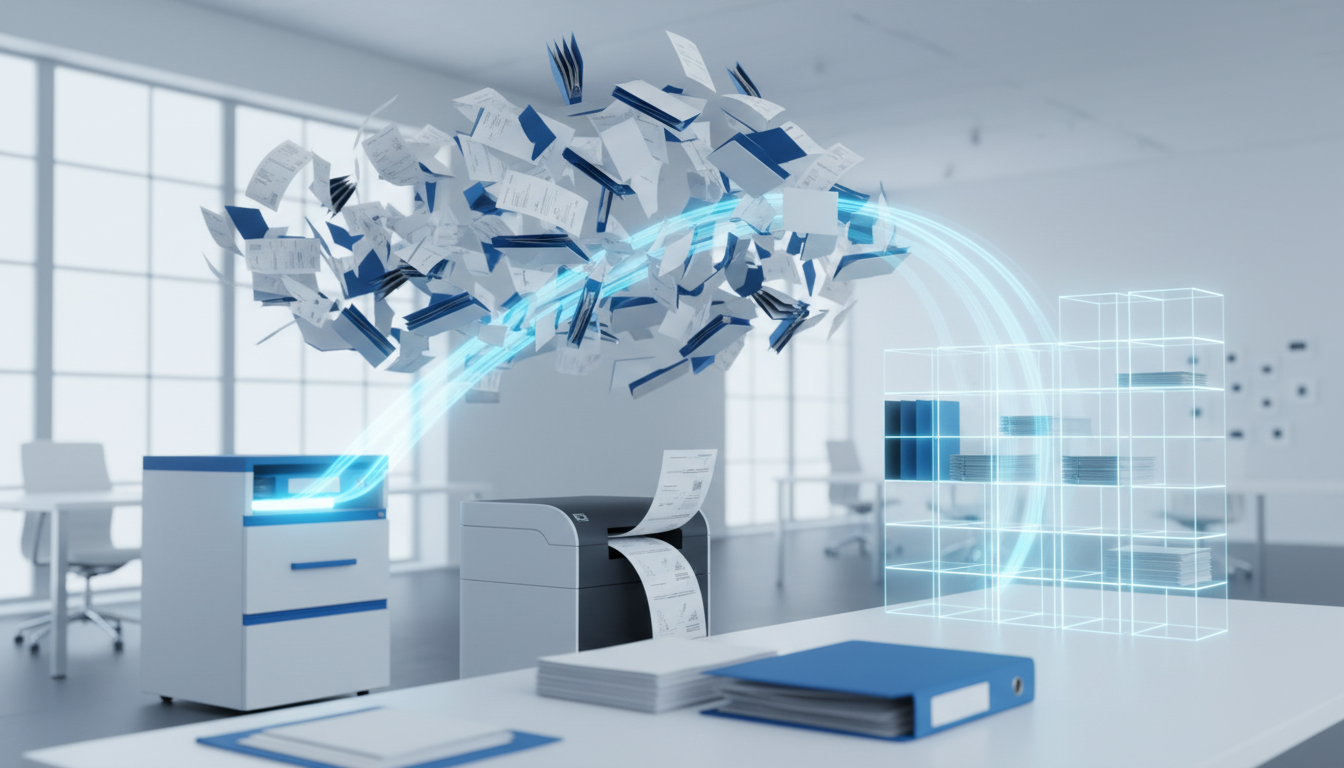
That filing cabinet in the corner of your office? It's not just taking up space. It's costing you hours every week in lost documents, misfiled invoices, and the endless "where did I put that contract?" moments.
In 2026, there's no reason to keep paper around. Paperless-ngx is an open-source document management system that turns your chaotic pile of receipts, contracts, and tax documents into a searchable, organized digital archive.
What Paperless-ngx Actually Does
Think of it as a smart filing cabinet that lives on your computer or server. You scan a document (or email it, or drag-and-drop a PDF), and Paperless-ngx automatically:
- Reads the text using OCR (optical character recognition)
- Extracts the date from the document content
- Suggests tags based on what it finds
- Files it in the right place
Six months later, when you need that receipt from the plumber? Type "plumber" in the search box. Done.
Why It Beats Dropbox and Google Drive
Cloud storage services are great for syncing files between devices. But they're terrible at organizing documents. Dropbox doesn't know the difference between a tax return and a takeout menu. Everything goes into folders you have to create and maintain yourself.
Paperless-ngx is different:
Smart Search: Search inside documents, not just file names. Looking for invoices over $500? Search for the amount. Need contracts mentioning "liability"? Search for the word.
Automatic Organization: The system learns your patterns. After you tag a few electricity bills, it starts recognizing them automatically.
Date Extraction: Documents get filed by their actual date, not when you scanned them. Your 2024 tax documents stay in 2024, even if you scan them in March 2026.
Correspondent Tracking: Track who sent you what. See all documents from your accountant, your landlord, or your insurance company in one view.
Real Use Cases
Small Business Owner: Every invoice, receipt, and contract goes into Paperless-ngx. Tax season becomes a 10-minute export instead of a weekend of digging through boxes.
Household Management: Warranties, appliance manuals, medical records, insurance policies. When the dishwasher breaks, you find the warranty in seconds.
Freelancer: Client contracts, project briefs, payment confirmations. Everything searchable, everything backed up.
Property Manager: Leases, inspection reports, maintenance records. Each property gets its own tag, each tenant their own correspondent.
Getting Documents In
You have options:
Scanner: Any document scanner works. Scan to a folder, and Paperless-ngx picks it up automatically.
Mobile App: Snap photos of receipts with your phone. Several mobile apps connect directly to your Paperless-ngx instance.
Email: Forward documents to a dedicated email address. Perfect for digital receipts and confirmations.
Drag and Drop: Already have PDFs? Drop them into the web interface.
The Privacy Advantage
Here's where Paperless-ngx really shines. Your documents contain sensitive information: financial records, medical documents, legal contracts. With cloud services, that data sits on someone else's servers.
With Paperless-ngx, everything stays on your own hardware. Your tax returns never leave your network. Your medical records don't get scanned by advertising algorithms. You control the backups, the encryption, and the access.
For businesses handling client data, this matters even more. GDPR compliance becomes simpler when you can point to exactly where the data lives and who has access.
What You Need to Run It
Paperless-ngx runs on modest hardware:
- A basic VPS (~$16-30/month) works for personal and small business use
- Larger deployments need more storage than processing power
The interface runs in your web browser. No special software to install on your laptop or phone.
The Learning Curve
Initial setup takes an afternoon. Import your existing documents, set up a few basic tags and correspondents, configure your scanner. After that, the daily workflow is simple: scan, review suggestions, approve.
The system gets smarter over time. The more documents you process, the better its suggestions become. After a few weeks, you're mostly just confirming what it already figured out.
What It Won't Do
Paperless-ngx organizes documents. It doesn't:
- Edit PDFs (use a PDF editor for that)
- Handle collaborative document creation (that's what Google Docs is for)
- Replace your accounting software
- Manage email (it just receives documents via email)
It's a filing system, not an office suite. It does one thing extremely well.
Getting Started
The fastest way to try Paperless-ngx:
- Local Install: Docker Compose gets you running in under an hour if you're comfortable with command line basics.
- Managed Hosting: Elestio offers Paperless-ngx as a managed service. Deploy in a few clicks, skip the server maintenance, get automatic backups and updates. Infrastructure starts around $16/month.
Start with your most annoying paper problem. Tax documents? Medical records? Business receipts? Import those first. Once you see how much easier life becomes with searchable documents, you'll want to scan everything.
The Bottom Line
Filing cabinets made sense when computers couldn't read documents. That hasn't been true for years. In 2026, keeping paper around is a choice to make your life harder.
Paperless-ngx doesn't just digitize documents. It makes them useful. Searchable, organized, backed up, and private.
The paperless office isn't coming. It's here. The only question is whether you're ready to stop searching through folders and start actually finding things.
Ready to go paperless? Deploy Paperless-ngx on Elestio and have your document management system running in minutes, with automatic backups, updates, and SSL included.
Thanks for reading!