
Immich API: Build Custom Photo Workflows and Automate Your Library

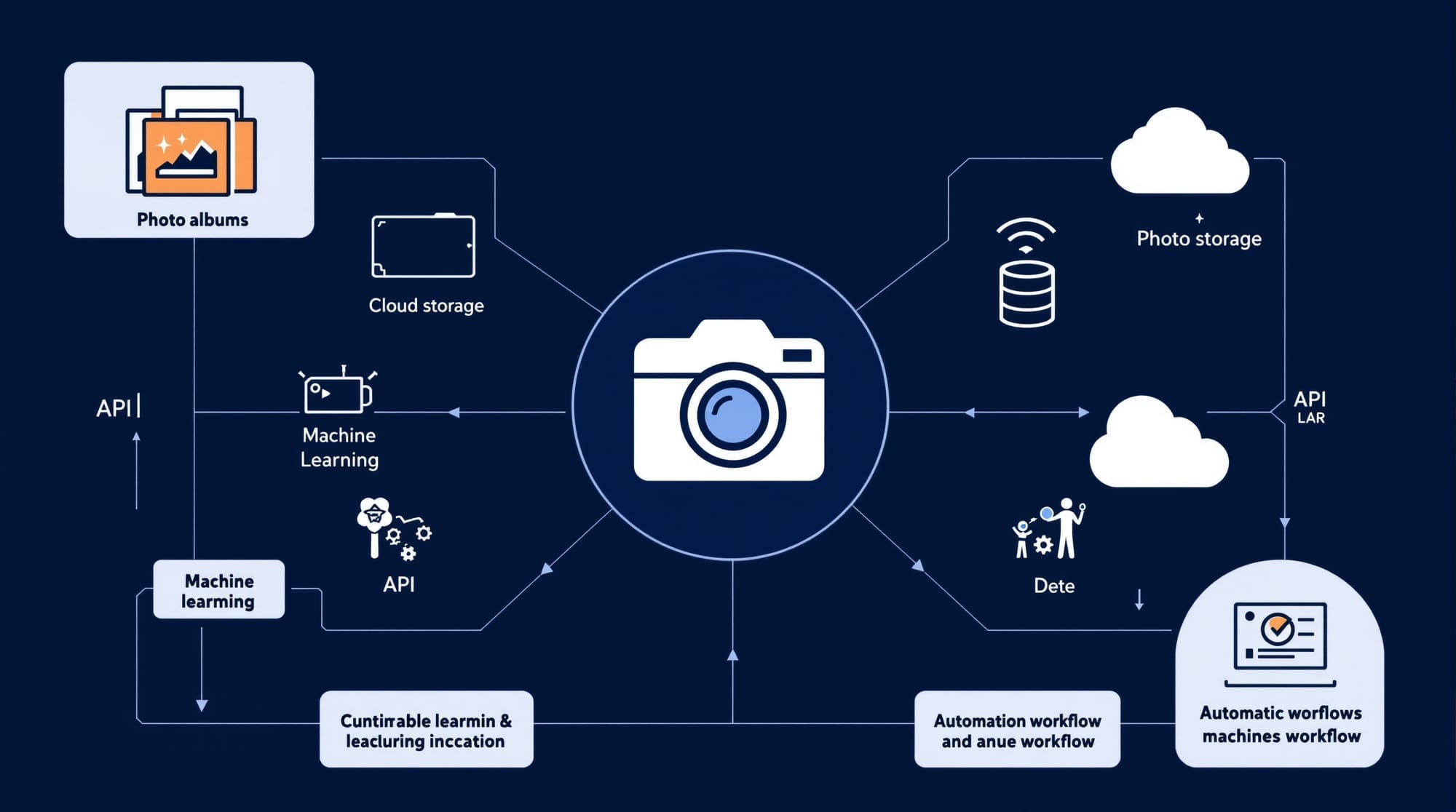
I didn't think I'd care about a photo management API. Then I realized my family has 50,000 photos scattered across devices, and Google's AI is training on every single one of them.
Immich changed that. It's a self-hosted Google Photos alternative with a surprisingly powerful API. And if you're building custom workflows—automated backups, face recognition pipelines, or integrations with other tools—the API is where the magic happens.
The API Architecture
Immich exposes a RESTful API built on OpenAPI specs. Every feature you see in the mobile app and web interface? It's just calling these same endpoints. The official documentation lives at api.immich.app.
Base URL: http://your-immich-server/api
Authentication uses API keys with granular permissions. Here's how to create one:
- Open Immich web interface
- Click your profile picture → Account Settings → API Keys
- Click "New API Key" and set permissions
Available permissions include asset.read, asset.upload, album.read, album.write, library.read, and user.read. Start with minimal permissions—you can always expand later.
Working with Assets
Assets are photos and videos. The /assets endpoint handles everything:
import requests

IMMICH_URL = "http://localhost:2283/api"
API_KEY = "your-api-key-here"

headers = {
    "x-api-key": API_KEY,
    "Accept": "application/json"
}

# Get all assets
response = requests.get(f"{IMMICH_URL}/assets", headers=headers)
assets = response.json()

print(f"Total assets: {len(assets)}")
Uploading is slightly more involved—you need to handle the multipart form:
def upload_photo(file_path):
    with open(file_path, 'rb') as f:
        files = {'assetData': f}
        data = {
            'deviceAssetId': f'upload-{file_path}',
            'deviceId': 'python-script',
            'fileCreatedAt': '2025-01-01T00:00:00.000Z',
            'fileModifiedAt': '2025-01-01T00:00:00.000Z'
        }
        response = requests.post(
            f"{IMMICH_URL}/assets",
            headers={"x-api-key": API_KEY},
            files=files,
            data=data
        )
    return response.json()
Album Automation
Albums in Immich are collections you can create programmatically. Perfect for auto-organizing photos by date, location, or detected faces:
# Create an album
def create_album(name, description=""):
    payload = {
        "albumName": name,
        "description": description
    }
    response = requests.post(
        f"{IMMICH_URL}/albums",
        headers={**headers, "Content-Type": "application/json"},
        json=payload
    )
    return response.json()

# Add assets to album
def add_to_album(album_id, asset_ids):
    payload = {"ids": asset_ids}
    response = requests.put(
        f"{IMMICH_URL}/albums/{album_id}/assets",
        headers={**headers, "Content-Type": "application/json"},
        json=payload
    )
    return response.json()
Here's a practical workflow: automatically create monthly albums from your upload stream.
Machine Learning Features
This is where Immich gets interesting. The ML pipeline runs locally on your server—no cloud required. It handles:
- Face recognition: Detects and clusters faces across your library
- Object detection: Tags photos with detected objects (car, dog, beach)
- CLIP embeddings: Powers semantic search ("photos of sunset at beach")
The /faces endpoint exposes recognized people:
# Get all recognized faces
response = requests.get(f"{IMMICH_URL}/faces", headers=headers)
faces = response.json()

for face in faces:
    print(f"Person: {face.get('name', 'Unknown')} - {face['assetCount']} photos")
You can trigger ML jobs via the /jobs endpoint:
# Trigger face detection on all assets
response = requests.put(
    f"{IMMICH_URL}/jobs/faceDetection",
    headers={**headers, "Content-Type": "application/json"},
    json={"command": "start"}
)
Building a Backup Script
Here's a complete script that syncs a local folder to Immich:
import os
import hashlib
from pathlib import Path

def get_file_hash(file_path):
    with open(file_path, 'rb') as f:
        return hashlib.sha256(f.read()).hexdigest()

def sync_folder(folder_path):
    # Get existing checksums from Immich
    existing = requests.get(f"{IMMICH_URL}/assets", headers=headers).json()
    existing_hashes = {a.get('checksum') for a in existing}

    # Find new files
    extensions = {'.jpg', '.jpeg', '.png', '.heic', '.mp4', '.mov'}
    for file in Path(folder_path).rglob('*'):
        if file.suffix.lower() in extensions:
            file_hash = get_file_hash(file)
            if file_hash not in existing_hashes:
                print(f"Uploading: {file.name}")
                upload_photo(str(file))

sync_folder("/path/to/photos")
Webhook Integration
Immich doesn't have native webhooks yet, but you can build a polling-based integration. Here's a pattern that checks for new uploads every 5 minutes:
import time
from datetime import datetime, timedelta

def watch_for_new_assets():
    last_check = datetime.now() - timedelta(minutes=5)

    while True:
        response = requests.get(
            f"{IMMICH_URL}/assets",
            headers=headers,
            params={"updatedAfter": last_check.isoformat()}
        )
        new_assets = response.json()

        for asset in new_assets:
            print(f"New asset: {asset['originalFileName']}")
            # Trigger your workflow here

        last_check = datetime.now()
        time.sleep(300)  # Check every 5 minutes
Combine this with N8N and you've got a full automation pipeline—auto-tag uploads, notify Slack, sync to cloud backup, whatever you need.
Troubleshooting Common Issues
API returns 401 Unauthorized?
Your API key is invalid or missing permissions. Regenerate it and ensure the required scopes are enabled.
Uploads fail silently?
Check the deviceAssetId field—it must be unique per upload. Use a hash or UUID.
Face recognition not running?
The ML container might need more RAM. Immich recommends at least 4GB for face detection workloads.
Slow API responses?
Large libraries can bog down. Use pagination with take and skip parameters on asset queries.
CORS errors in browser?
The API is designed for server-to-server communication. For browser apps, proxy requests through your backend.
Deploy on Elestio
Self-hosting Immich gives you complete API access and keeps your photos private. But managing PostgreSQL, Redis, ML containers, and storage is work.
Deploy Immich on Elestio and skip the infrastructure headaches. You get a production-ready instance with automated backups, SSL, and updates—starting at $16/month. Your photos, your API, your rules.
Thanks for reading. See you in the next one.