
NetBox: Free Open Source Network Source of Truth

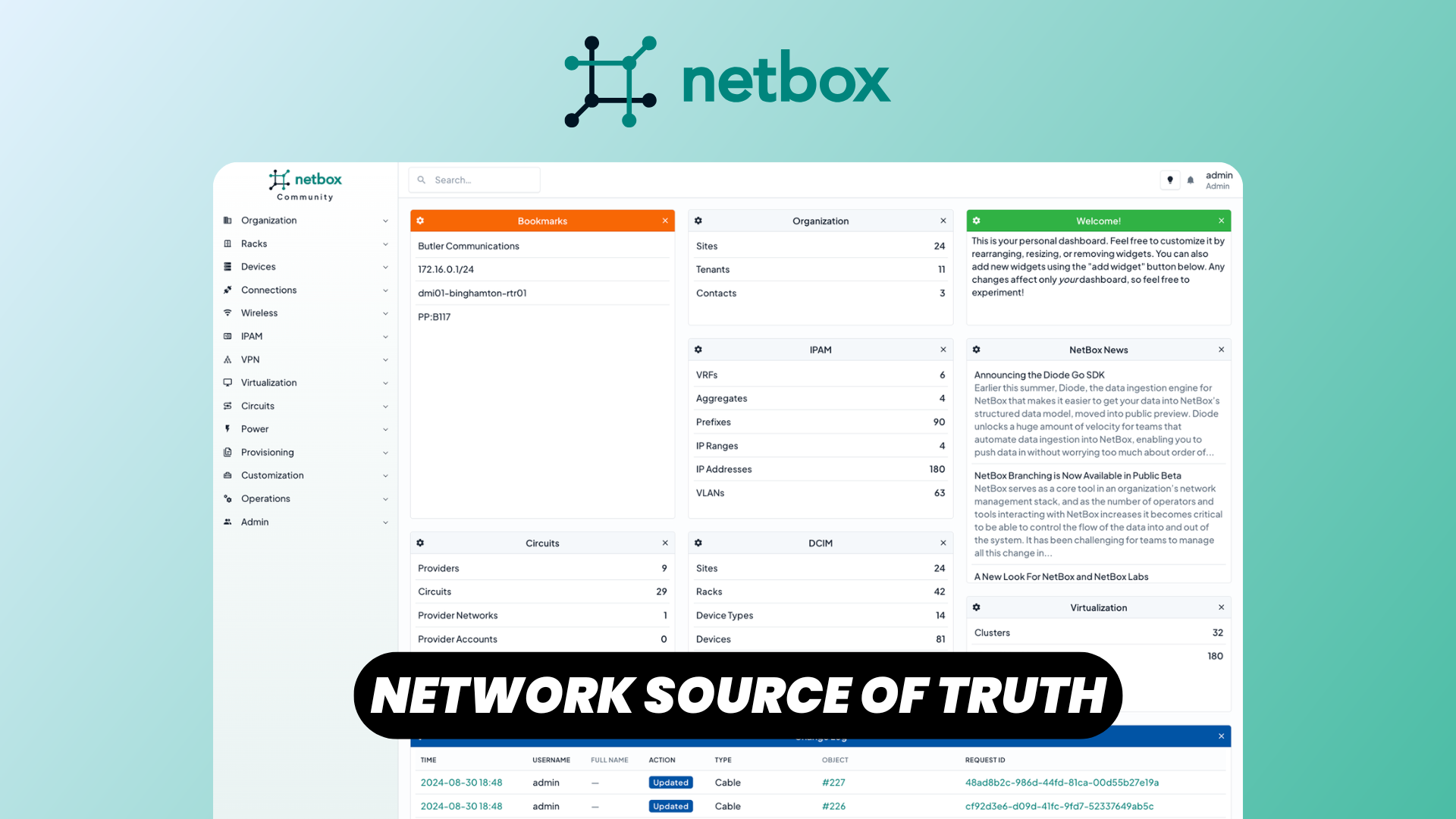
Managing modern IT infrastructure quickly becomes challenging when network information is scattered across spreadsheets, diagrams, and documentation that constantly fall out of sync. As organizations grow, keeping track of devices, IP addresses, racks, cables, and physical locations becomes increasingly difficult.
This is exactly the problem NetBox was created to solve.
NetBox is a free and open source Network Source of Truth (NSoT) and Infrastructure Resource Modeling (IRM) platform. Instead of simply monitoring your network, NetBox acts as the authoritative database that describes how your infrastructure is designed and organized. Many companies use it as the central repository powering network automation, documentation, and operational workflows.
In this article, we'll explore NetBox's core features and see why it has become one of the most popular infrastructure management platforms among network engineers, system administrators, and DevOps teams.
Watch our dedicated platform overview
Main Dashboard
Once you log into NetBox, you're welcomed by a clean dashboard providing an overview of your infrastructure.
The interface is organized into logical sections that make navigating large environments straightforward. Depending on your permissions and installed plugins, you'll find quick access to infrastructure objects such as:
- Regions and Sites
- Devices and Racks
- IP Address Management (IPAM)
- Virtualization
- Circuits
- Power infrastructure
- Users and permissions
- Change logs and events
Rather than overwhelming users with dozens of disconnected menus, NetBox groups related resources together, making it easy to browse or search your infrastructure.
The dashboard also provides useful statistics that help administrators quickly understand the current state of their environment.
For Who is NetBox?
Despite its name, NetBox isn't limited to network engineers.
It's designed for anyone responsible for managing physical or virtual infrastructure, including:
- Network engineers
- System administrators
- DevOps engineers
- Site Reliability Engineers (SREs)
- Infrastructure architects
- Data center operators
- Managed service providers
Organizations of all sizes use NetBox—from small homelabs to enterprises operating thousands of devices across multiple data centers.
Because it serves as a single source of truth, it often becomes the foundation for automation platforms such as Ansible, Terraform, Nornir, custom Python scripts, or internal provisioning systems.
Region, Sites, & Locations
One of the first steps in modeling infrastructure is describing where everything physically exists.
NetBox organizes geography using a hierarchical structure:
- Regions represent broad geographical areas such as continents, countries, or business divisions.
- Sites represent individual offices, campuses, or data centers.
- Locations provide additional granularity within a site, such as specific buildings, rooms, floors, or cages.
This hierarchy makes it easy to model organizations operating across multiple countries while maintaining a logical structure.
For example:
- Europe
- France
- Paris Data Center
- Room A
- Room B
- Paris Data Center
- Germany
- Berlin Office
- France
Every rack, device, circuit, or IP resource can then be associated with its physical location, making inventory management significantly easier.
Data Model Tour (Racks, Devices, Cables)
NetBox truly shines through its comprehensive infrastructure modeling capabilities.
Racks
Racks represent the physical cabinets where equipment is installed.
Each rack tracks:
- Height (U)
- Width
- Depth
- Location
- Installed equipment
- Available rack units
The graphical rack elevation provides a visual representation of equipment placement, making capacity planning much easier.
Device Types
Before creating devices, NetBox encourages defining reusable Device Types.
A Device Type describes:
- Manufacturer
- Model
- Physical dimensions
- Interfaces
- Console ports
- Power ports
- Module bays
Once defined, new devices can be created consistently with all required interfaces automatically generated.
Devices
Devices represent actual hardware installed in your infrastructure.
Examples include:
- Routers
- Switches
- Firewalls
- Servers
- Storage appliances
- Wireless controllers
Each device contains rich metadata including:
- Serial numbers
- Asset tags
- Installed modules
- Interfaces
- Power connections
- Management IPs
- Platform information
Cables
One particularly useful feature is cable modeling.
Instead of documenting connections manually, NetBox allows you to create actual cable objects between interfaces.
You can model connections between:
- Switches
- Patch panels
- Servers
- Power distribution units (PDUs)
- Console connections
This creates an accurate representation of your physical topology, making troubleshooting and infrastructure planning significantly easier.
IPAM (Prefixes & IPs)
NetBox includes a powerful IP Address Management (IPAM) module.
Instead of managing address space in spreadsheets, administrators can organize:
- VRFs
- VLANs
- Prefixes
- IP ranges
- Individual IP addresses
- Aggregates
Each prefix can be divided into smaller subnets while maintaining full hierarchical visibility.
Individual IP addresses can then be assigned to device interfaces, virtual machines, or services, providing a complete picture of address utilization.
The IPAM module is one of the primary reasons many organizations adopt NetBox.
Event Rules & Webhooks
Modern infrastructure often requires integration with external automation systems.
NetBox supports this through Event Rules and Webhooks.
Whenever objects are created, modified, or deleted, NetBox can automatically trigger actions such as:
- Sending HTTP webhooks
- Notifying automation platforms
- Updating external inventory systems
- Launching provisioning workflows
- Synchronizing CMDBs
This allows NetBox to become an active participant in your automation ecosystem rather than simply serving as passive documentation.
Users & Permissions
Large organizations rarely want every administrator to have unrestricted access.
NetBox includes a flexible Role-Based Access Control (RBAC) system.
Administrators can define:
- User accounts
- Groups
- Roles
- Object permissions
- View permissions
- Edit permissions
- Delete permissions
Permissions can be scoped to specific object types, enabling teams to manage only the parts of the infrastructure relevant to their responsibilities.
Authentication can also be integrated with enterprise identity providers, making user management much easier.
REST & GraphQL APIs
One of NetBox's greatest strengths is its automation-friendly API.
Every object exposed through the web interface can also be managed programmatically.
REST API
The REST API allows automation scripts to:
- Create devices
- Allocate IP addresses
- Update inventory
- Query infrastructure
- Synchronize external systems
Because the API follows predictable patterns, it's easy to integrate with Python, Go, PowerShell, or virtually any programming language.
GraphQL API
For more advanced use cases, NetBox also provides a GraphQL API.
GraphQL allows clients to request exactly the fields they need in a single query, reducing unnecessary API calls and improving efficiency when building dashboards or automation workflows.
Combined, these APIs make NetBox an ideal foundation for Infrastructure as Code and network automation initiatives.
Conclusion
NetBox has evolved far beyond a simple inventory application. It provides a centralized, structured, and automation-friendly source of truth for modern infrastructure.
Its combination of physical infrastructure modeling, powerful IP address management, flexible permissions, automation integrations, and comprehensive APIs makes it suitable for organizations ranging from small labs to large enterprises.
Whether you're documenting a handful of switches or managing thousands of devices across multiple data centers, NetBox helps ensure your infrastructure remains accurate, consistent, and ready for automation.
If you're looking to eliminate spreadsheets, improve documentation, and build a reliable foundation for network automation, NetBox is one of the best open source solutions available today.