
Notifuse: Free Open Source Alternative to Mailchimp & Resend

Email platforms tend to fall into two camps.
On one side, you have marketing platforms like Mailchimp, which provide newsletters, contact management, templates, campaigns, and automations. On the other, developer-focused services like Resend make it easy to integrate transactional email into an application.
Notifuse takes an interesting approach by bringing both sides together in a self-hostable email platform.
It gives you tools for broadcasts, contact lists, visual email creation, analytics, automations, and transactional emails, while letting you connect the email service provider of your choice. Notifuse can therefore serve both marketing and application-email use cases from the same platform.
In this article, we'll explore the main features of Notifuse and see what makes it an interesting open-source alternative to platforms like Mailchimp and Resend.
Watch our dedicated platform overview
Workspaces
One of the first concepts you'll encounter in Notifuse is workspaces.
A workspace is an isolated environment containing its own contacts, campaigns, templates, and email configuration. This makes it possible to separate different projects, brands, clients, or business units within the same Notifuse installation.
For example, an agency could create separate workspaces for different clients, while a SaaS company could maintain independent environments for different products.
This multi-workspace architecture is particularly useful if you're planning to use Notifuse as centralized email infrastructure rather than simply as a newsletter application.
SMTP Providers & Integrations
Notifuse doesn't force you to use a specific email delivery infrastructure.
Instead, you connect an external email service provider responsible for actually delivering your messages.
Supported providers include Amazon SES, Mailgun, Postmark, SendGrid, SparkPost, Mailjet, and standard SMTP servers.
That flexibility is one of the major differences compared with many hosted email platforms. You could, for example, use Amazon SES when minimizing sending costs is important, or connect an existing SMTP provider your company already uses.
You're also not necessarily locked into the same provider forever. Your contacts, templates, campaigns, and workflows remain in Notifuse while the underlying delivery provider can be changed.
Notifuse also provides integrations beyond email delivery, including services such as Supabase and several AI providers.
Dashboard
Once everything is configured, the dashboard gives you an overview of what's happening inside your workspace.
Instead of jumping between individual campaigns to understand performance, you can quickly see how your email activity is performing and then investigate specific broadcasts or messages when necessary.
For teams managing frequent email campaigns, having this centralized overview makes Notifuse feel much closer to a complete email marketing platform than a simple SMTP interface.
Broadcasts
Broadcasts are Notifuse's system for sending marketing campaigns to an audience.
You can create a broadcast, select the appropriate audience, compose the message, and send it to a specific group of contacts. The platform's segmentation capabilities make it possible to target subsets of your database rather than sending every campaign to everyone.
This is where Notifuse starts to resemble tools such as Mailchimp.
You can use broadcasts for newsletters, product announcements, company updates, promotions, release notes, or virtually any other one-to-many email campaign.
Because contacts and engagement data live inside Notifuse, broadcasts also integrate with the rest of the platform rather than functioning as isolated email sends.
Templates
If you're regularly sending emails, rebuilding the same design every time quickly becomes inefficient.
Notifuse therefore provides reusable email templates that can be used across your communications.
Templates are particularly useful for maintaining a consistent visual identity across newsletters and transactional messages.
They can also contain dynamic content. Notifuse supports Liquid templating variables, allowing information such as a contact's first name or custom fields to be inserted dynamically into an email.
This means one template can be reused while still generating personalized messages for individual recipients.
Visual Mail Builder
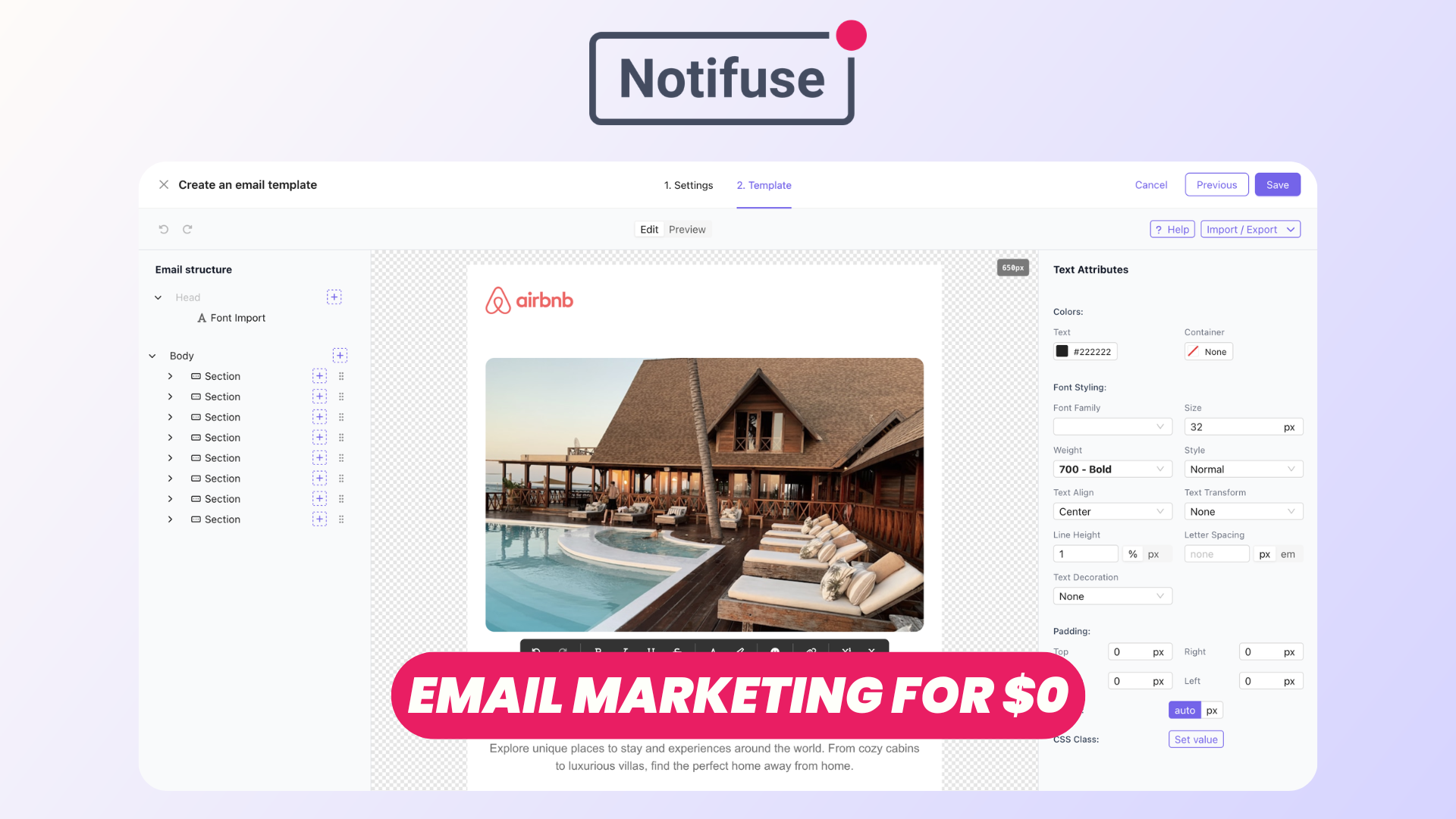
One of Notifuse's standout features is its visual email builder.
Instead of manually writing the HTML for every message, you can visually assemble your email using a drag-and-drop interface.
Underneath, Notifuse uses MJML components to create responsive layouts designed to work across different screen sizes and email clients. There's also a real-time preview, making it much easier to see what recipients will actually receive while you're building the message.
This is an important distinction when comparing Notifuse with developer-focused platforms.
Resend, for example, is heavily oriented toward developers and code-based email creation. Notifuse's visual builder makes it much easier for marketers or other non-developers to create and modify emails without changing application code.
At the same time, developers can still use templates and APIs when they need more control.
Analytics
Sending an email is only useful if you can understand what happens afterward.
Notifuse provides analytics for monitoring campaign engagement, including opens and clicks.
This makes it possible to evaluate which campaigns are performing well and which ones may need improvement.
Engagement information can also become useful elsewhere in the platform. Instead of treating analytics purely as charts, you can use subscriber behavior to better understand your contacts and create more targeted audiences.
Notifuse also maintains activity information at the contact level, so you can inspect an individual contact's history and see interactions such as emails being sent, opened, or clicked.
Transactional Emails
Notifuse isn't limited to newsletters.
It also provides a transactional email API for messages generated automatically by your applications.
Typical examples include:
- Account verification emails
- Password resets
- Order confirmations
- Payment notifications
- Welcome emails
- Application alerts
This is where the comparison with services such as Resend becomes particularly relevant.
Rather than maintaining one platform for newsletters and another for application emails, Notifuse can handle both marketing and transactional communication.
Developers can send transactional messages through its REST API, while still benefiting from the same template and contact infrastructure used elsewhere in the platform.
Notifuse also offers an SMTP bridge, which can make integration easier for applications designed to send email through a conventional SMTP server.
Automations
For more complex email workflows, Notifuse includes a visual automation system.
Automations allow you to create event-driven sequences that react to contact activity and other triggers.
For example, you could create an onboarding sequence where a new subscriber immediately receives a welcome email, waits several days, and then receives additional content.
More sophisticated workflows can introduce conditions, delays, branching logic, and A/B testing.
That opens the door to use cases such as:
- Welcome sequences
- User onboarding
- Lead nurturing
- Re-engagement campaigns
- Product education
- Lifecycle emails
Instead of manually scheduling every message, you define the workflow once and let Notifuse process contacts as they move through it.
Contact Lists
At the center of all these features is Notifuse's contact management system.
Contacts can be organized into lists and segments, allowing you to determine exactly which audiences should receive particular campaigns.
Notifuse can also maintain custom fields and detailed activity histories for contacts.
This becomes particularly powerful when combined with segmentation. Rather than maintaining only static lists, you can build audiences using conditions and subscriber behavior.
For example, you could identify recently active users, subscribers who engaged with a previous campaign, or contacts matching specific profile properties.
This makes the contact database useful not only for storing email addresses but also for powering targeted campaigns and automations.
Members & API Keys
Notifuse is also designed for teams and developers.
Workspace access can be shared with members, while API keys allow external applications and services to communicate with the platform.
That means your marketing team can work through the visual interface while your developers integrate Notifuse directly into applications and internal systems.
The workspace architecture is especially useful here because projects can maintain separate environments and credentials rather than sharing one global email configuration.
Documentation
If you want to integrate Notifuse into an application or explore its more advanced functionality, the project provides extensive Notifuse documentation.
The documentation covers the platform's major components, including workspaces, contacts and lists, templates, broadcasts, transactional emails, integrations, and the API reference.
For developers in particular, the API documentation makes it possible to go beyond the graphical interface and incorporate Notifuse directly into an existing product or infrastructure.
Conclusion
Notifuse occupies an interesting position in the email ecosystem.
It combines many of the marketing features you'd expect from a platform like Mailchimp — broadcasts, contacts, segmentation, templates, analytics, and automations — with developer-oriented functionality such as transactional emails, APIs, SMTP integration, and flexible email service providers.
The visual MJML email builder also means the platform isn't restricted to developers. Marketing teams can design and manage campaigns visually while developers handle integrations and transactional workflows.
Most importantly, Notifuse can be self-hosted, giving organizations significantly more control over their email infrastructure and data than a traditional closed SaaS platform.
If you're currently using separate services for newsletters and transactional emails, or simply want more control over how your email infrastructure works, Notifuse is an open-source alternative worth exploring.
You can also check the official documentation to learn more about configuration, integrations, and the API.