
OpenHands: Self-Host Your Own AI Dev Team (Any Model, Any Repo)

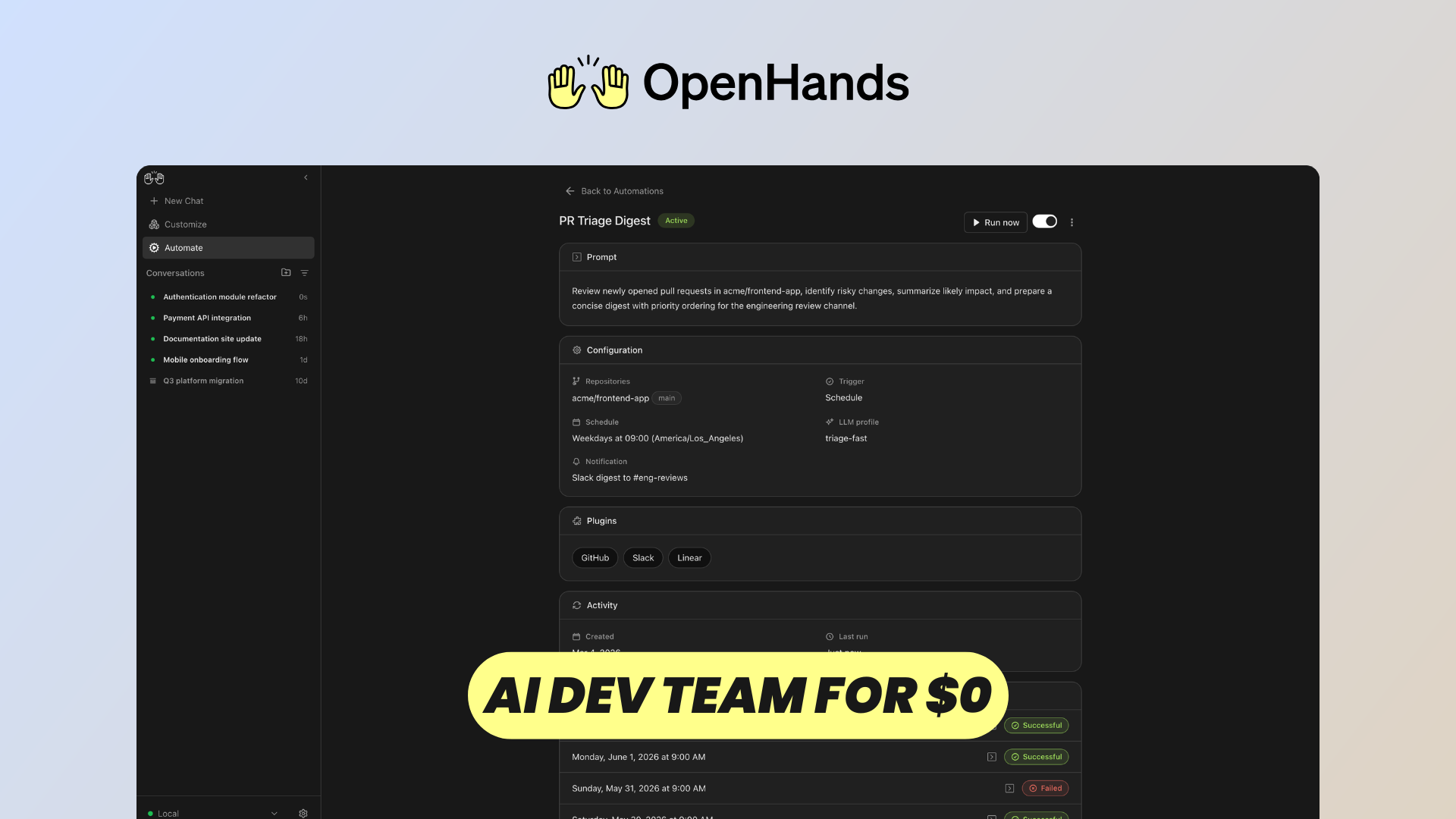
AI coding assistants are quickly evolving from autocomplete tools into autonomous agents capable of understanding repositories, editing files, running commands, testing applications, and completing entire development tasks.
OpenHands takes this idea further by providing an open-source platform for running AI software development agents in your own environment.
Instead of being tied to a single AI provider or coding interface, OpenHands gives you a complete workspace where agents can interact with your code, terminal, browser, repositories, and external tools.
You can run OpenHands yourself, or deploy a managed instance with Elestio if you don't want to handle installation, updates, monitoring, backups, and infrastructure yourself.
Let's explore what OpenHands can do.
AI Providers
One of the biggest advantages of OpenHands is that your coding workflow isn't tied to a single AI model.
OpenHands can work with models from providers such as OpenAI, Anthropic, Google, and other compatible LLM services. You configure the provider, select the model you want to use, and provide the corresponding API credentials.
This means you can choose the model that makes the most sense for your workload.
You might prefer a powerful frontier model for complicated repository-wide refactoring while using a cheaper model for simpler or repetitive tasks.
OpenHands also provides advanced configuration for models that aren't directly listed in the interface, making the platform useful if you want to experiment with different providers or self-hosted models.
The official OpenHands documentation contains the latest configuration options and supported setups.
GitHub, GitLab, & Bitbucket Integrations
Of course, an AI developer becomes much more useful when it can work directly with your existing repositories.
OpenHands integrates with GitHub, GitLab, and Bitbucket.
Once your Git provider is connected, you can select a repository and branch and launch a new conversation against that codebase.
Instead of manually copying files into an AI chat, the agent gets a real development environment connected to your project.
It can inspect the repository, understand existing code, modify files, execute commands, and work with your Git workflow.
This makes OpenHands useful not only for generating new applications, but also for working on the repositories your team already maintains.
Conversations
The central OpenHands experience revolves around conversations.
You describe what you want to accomplish just as you would when working with another developer.
For example, you could ask OpenHands to:
- investigate and fix a bug
- implement a new feature
- refactor part of an application
- write tests
- update dependencies
- understand an unfamiliar repository
But unlike a traditional chatbot, the conversation isn't limited to generating text or code snippets.
The agent can actually perform actions inside its development environment.
As it works, you can follow its reasoning and actions through the conversation, inspect the changes it makes, and provide additional instructions when necessary.
This creates a workflow closer to delegating a ticket to an AI developer than simply asking an AI assistant for code.
Coding Agents on the Go
Another interesting consequence of this architecture is that the development environment doesn't have to live on your laptop.
When OpenHands is running on a remote server, the actual coding work happens there.
That means you can start a task from your computer and later check what the agent is doing from another device through the web interface.
For longer autonomous tasks, this is particularly useful.
Your laptop doesn't need to remain the machine responsible for running the agent, installing dependencies, executing tests, or hosting the development environment.
Your AI developer effectively has its own remote workstation.
Cost Awareness
Autonomous coding agents can make many LLM calls while investigating a repository and completing a task, so keeping an eye on usage is important.
OpenHands helps make this more visible from within the conversation.
It also supports a maximum budget per conversation. Once that limit is reached, OpenHands stops the conversation instead of continuing to consume API credits automatically.
You can then decide whether the task is worth continuing.
This becomes especially useful when experimenting with expensive models or letting agents work autonomously on larger tasks.
Code Editor & Terminal
OpenHands isn't just a chat interface.
The development environment gives you access to the same project the AI agent is working on.
There is an integrated code editor where you can inspect and modify files yourself.
There is also a terminal, allowing commands to be executed directly inside the environment.
You can install dependencies, run build scripts, execute tests, inspect logs, start development servers, or debug problems without switching to another machine.
This is important because AI development rarely follows a perfectly autonomous path.
Sometimes the agent handles everything. Other times, you may want to inspect a file, run a command yourself, make a quick modification, and then let the agent continue.
OpenHands supports both workflows inside the same environment.
Live App Preview
For web development, OpenHands also provides a way to preview running applications.
The environment includes browser and application preview capabilities, allowing you to start your development server and interact with the resulting application directly.
This closes an important feedback loop.
The agent can modify the application, run it, and inspect the result rather than treating the source code as the only source of information.
And as a developer, you can immediately check whether the generated interface actually looks and behaves the way you expected.
Combined with the editor, terminal, and conversation, OpenHands starts to feel less like an AI chatbot and more like a complete browser-based development workspace.
Tools & Microagents
OpenHands can also be customized for specific repositories and workflows.
One mechanism for this is microagents, which allow you to provide specialized knowledge and instructions that influence how the agent works.
For example, a repository might have specific architectural conventions, testing procedures, deployment rules, or coding standards that you want the agent to understand.
Instead of explaining these requirements again in every conversation, they can become part of the agent's working context.
This is particularly valuable for teams because the objective isn't simply to have an AI that knows how to program.
You want an AI developer that understands how your project is supposed to be developed.
Advanced LLM Settings
If you want more control over the underlying model, OpenHands exposes advanced LLM configuration as well.
You aren't restricted to the basic provider and model selection.
Depending on your setup, you can configure custom models and additional parameters and connect OpenHands to different LLM endpoints.
This flexibility is especially interesting for organizations experimenting with multiple model providers.
You can optimize for capability, latency, privacy, or cost rather than building your entire development workflow around one proprietary model.
And because the model layer is configurable, OpenHands can evolve alongside the rapidly changing LLM ecosystem.
MCP & Automation
OpenHands becomes even more interesting when you start connecting it to external systems.
It supports the Model Context Protocol, or MCP.
MCP servers expose additional tools that the agent can call, extending what OpenHands can do beyond its built-in development environment.
OpenHands currently supports MCP servers using transports including SSE, Streamable HTTP, and stdio.
Once connected, the tools exposed by those servers become available to the agent alongside its native capabilities.
And you can combine this with Automations.
Instead of manually starting every conversation, OpenHands can run scheduled AI-powered tasks.
You could create automations that regularly review pull requests, check dependencies, generate reports, monitor applications, or perform maintenance work on your repositories.
Each automation runs as an OpenHands conversation with access to the configured LLM, secrets, and integrations.
At that point, OpenHands isn't simply an AI developer waiting for prompts.
It can become a collection of specialized agents performing recurring development and operational work for your team.
Conclusion
OpenHands shows how quickly AI-assisted development is moving beyond the traditional coding assistant.
You have conversations with coding agents, but those agents also have access to an actual development environment with your repositories, files, terminal, browser, tools, and integrations.
You can choose the LLM provider you want, connect GitHub, GitLab, or Bitbucket, customize how agents behave, extend them through MCP, and automate recurring tasks.
And because OpenHands can be self-hosted, you retain considerably more control over where this environment runs and how it integrates with your infrastructure.
If you want to experiment with it yourself, you can follow the official OpenHands documentation.
And if you'd rather skip the infrastructure setup and run a managed OpenHands instance with automated updates, backups, monitoring, SSL, and infrastructure management, you can deploy OpenHands with Elestio.
OpenHands is an interesting glimpse at where software development may be heading: not just AI helping developers write code, but developers managing an entire team of AI agents capable of working directly on real software projects.