
OpenSign: Free Open Source Alternative to DocuSign

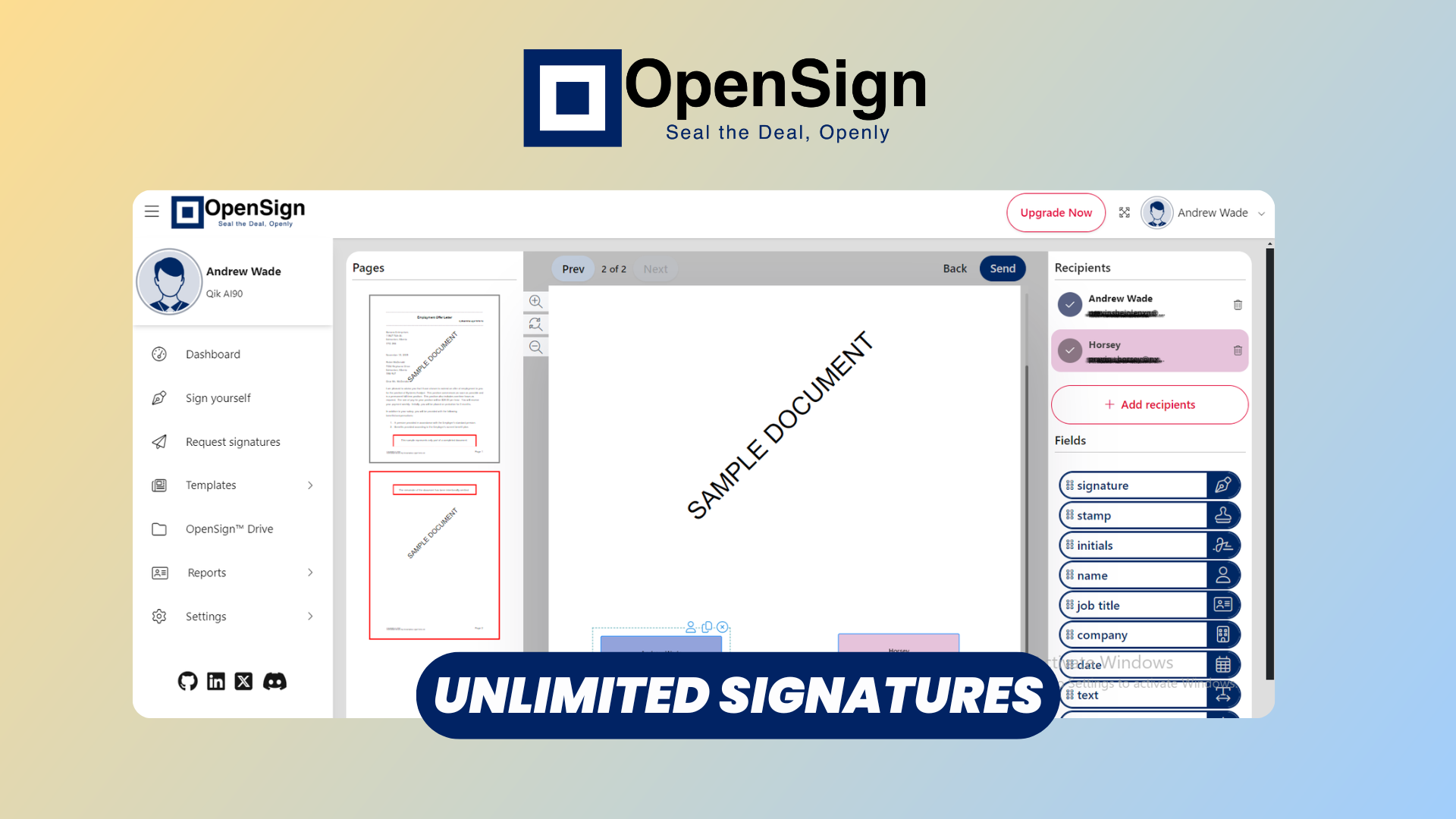
Electronic signatures have become a standard part of doing business online. Contracts, agreements, invoices, employee documents, customer forms—you can send almost anything for a signature without printing, scanning, or emailing PDFs back and forth.
The problem is that popular e-signature platforms such as DocuSign can become surprisingly expensive, especially when you start using them across a team or need more advanced workflows.
That's where OpenSign comes in.
OpenSign is a free, open-source electronic signature platform that gives you the familiar workflow of tools like DocuSign while also giving you the option to self-host the entire application.
In this article, we'll take a look at the complete OpenSign workflow—from creating a signature request and building forms to sharing documents, tracking signatures, managing contacts, and configuring the platform.
Watch our OpenSign platform overview
Onboarding Tour
After logging in, OpenSign immediately focuses on the core functionality: managing documents and getting them signed.
The interface is relatively straightforward if you've used an e-signature platform before. You can create signature requests, work with templates, browse your documents, manage contacts, and access your settings from the main interface.
One of the interesting aspects of OpenSign is that it isn't limited to simply uploading a PDF and putting a signature field on it. You can build more sophisticated document workflows using its form and template functionality.
And because the project is open source, you also have the option of deploying it yourself rather than relying exclusively on a hosted SaaS instance.
Request Signatures
The main workflow starts with Request Signatures.
You can upload a document, give it a title, and add the people who need to interact with it. OpenSign supports multiple recipients and lets you configure how the signing process should happen.
For example, if a contract needs to be signed by an employee first and then approved by a manager, you can configure the signers in sequence. Alternatively, multiple people can receive the document at the same time and sign independently.
You can then open the document editor and place fields exactly where they're needed.
Signature fields are only one option. You can add text inputs, names, email addresses, checkboxes, dates, and other widgets, assigning each field to the appropriate recipient.
You can also configure individual fields as required or optional and provide additional validation where appropriate.
Once everything is ready, you can send the document by email, copy the signing link, or share it through another communication channel.
There's even an option to protect a signing link with an access code, adding another layer of protection when you're sharing sensitive documents.
Form Builder
This is where OpenSign starts becoming more interesting than a simple PDF-signing tool.
Instead of treating your document as a static PDF, you can turn it into an interactive form by adding different widgets.
For example, you could create a contract containing:
- Signature fields
- Name and company fields
- Text inputs
- Email fields
- Checkboxes
- Dates
- Numbers
- Radio buttons and dropdowns
- Prefilled information
Fields can be assigned to specific recipients, which means you can build a document where different people are responsible for completing different parts.
OpenSign also supports features such as field validation and conditional logic, allowing fields to appear, disappear, or change between required and optional depending on other values in the form.
This makes the form builder useful for things like applications, onboarding documents, agreements, questionnaires, and internal workflows—not just signatures.
And if you're repeatedly using the same document, you can turn it into a template and reuse the configured fields instead of rebuilding everything from scratch.
Sharing Links & Mail Templates
Once your document is ready, OpenSign gives you several ways to get it into the hands of your recipients.
The most obvious option is to send the signature request directly by email. But you can also copy the signing link and distribute it through another communication channel.
This can be particularly useful when you're embedding document signing into an existing workflow rather than relying entirely on email.
You can also customize the emails sent to recipients. OpenSign's email templates support dynamic variables such as the document title, recipient name, and signing URL, allowing you to create messages that feel much more integrated with your own business workflow.
For organizations, administrators can also configure email templates at the organization level.
Signing a Form
From the recipient's perspective, the process is designed to be straightforward.
The signer opens the invitation and follows the signing link. Depending on the configuration, OpenSign can use email verification before allowing access to the document.
The recipient then goes through the fields assigned to them.
For signatures, OpenSign supports several methods, including drawing a signature, typing one, or uploading an existing signature image.
After all required fields have been completed, the signer can finish the document.
If there are multiple recipients and sequential signing is enabled, OpenSign automatically moves the workflow to the next person.
Once everyone has completed their part, the completed document can be downloaded, along with the completion certificate where applicable.
From the recipient's perspective, that's really the important part: they don't need to understand how OpenSign works behind the scenes. They simply open the document, fill in their fields, sign, and submit it.
Tracking Signatures & OpenSign Drive
Once you've started sending documents, you need somewhere to manage them.
OpenSign provides OpenSign Drive, which acts as a document-management area for your signature workflows.
Documents can be organized into folders, making it easier to keep track of contracts, forms, agreements, and completed documents as your usage grows.
Templates are also managed separately, with information about their owners, signers, and public/private status. Public templates can be accessed through a public URL, which opens up some interesting possibilities for reusable signing workflows.
This is particularly useful if you're replacing a collection of smaller tools with a single self-hosted platform.
Instead of having documents scattered across email threads and cloud storage, your signature workflow and document storage can live together.
Contact Book
Another small but useful feature is the Contact Book.
Rather than entering the same recipient information every time you send a document, you can maintain a list of contacts and reuse them when creating signature requests.
This becomes increasingly valuable once you're sending documents regularly to the same customers, employees, contractors, or business partners.
It also makes workflows involving CC and BCC recipients more convenient, since existing contacts can be selected rather than manually entered each time.
Settings, Users, & Customization
OpenSign has considerably more configuration available than you might expect from a simple open-source signing application.
The settings area includes features such as saved signatures, API tokens, webhooks, preferences, team management, user management, email templates, and security settings.
For example, administrators can manage users and organize them into teams, while controlling aspects of the signing experience.
You can also configure which signature methods are available. Depending on the configuration, users can allow drawing, typing, uploading a signature, or using a previously saved signature.
Email configuration is another important part of the platform. OpenSign supports custom SMTP configuration, allowing organizations to send signature requests through their own email infrastructure.
And then there's the biggest customization option of all: self-hosting.
Because OpenSign is open source, organizations that don't want their documents and signing infrastructure entirely dependent on a SaaS provider can deploy the application themselves.
That gives you considerably more control over where the application runs, how it's configured, and how it integrates with the rest of your infrastructure.
Conclusion
If you've been looking for an alternative to DocuSign, OpenSign is worth checking out.
It covers the fundamentals you'd expect from an electronic signature platform—document uploads, signature requests, multiple recipients, signing workflows, templates, tracking, and email notifications—but goes further with an interactive form builder, reusable templates, API capabilities, customization, and self-hosting.
The open-source aspect is arguably the biggest differentiator.
Instead of simply choosing another SaaS provider, you have the option to run the software yourself and maintain greater control over your infrastructure and data.
For individuals, small businesses, developers, and organizations looking to build custom document-signing workflows, OpenSign offers a compelling combination of familiar e-signature functionality and the flexibility of an open-source platform.
If you'd like to try it yourself, check out OpenSign and the official OpenSign documentation to learn more about the platform and its available features.