
OpenSlides: Free Open Source Meeting Management Platform

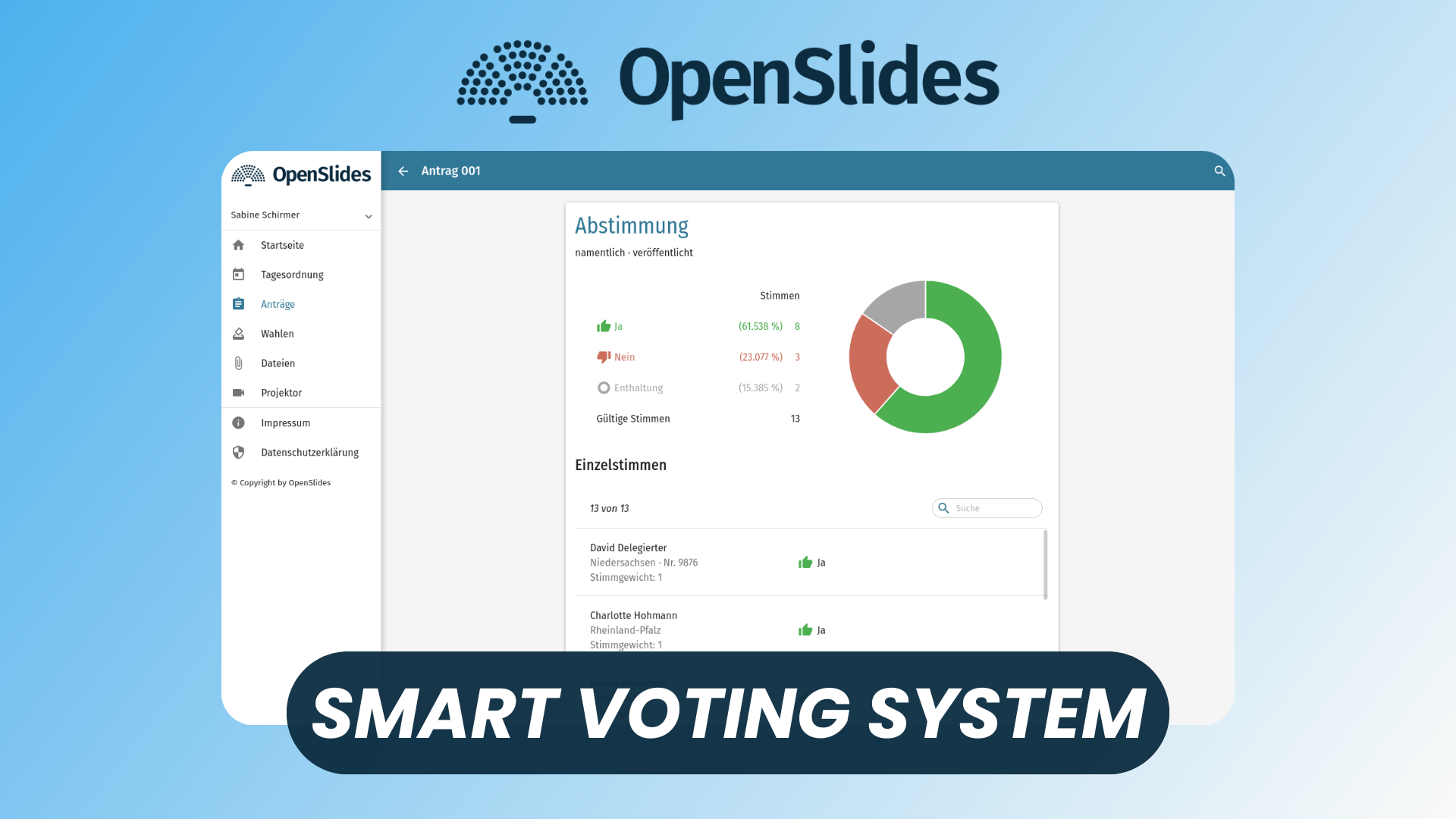
OpenSlides is a free, open-source platform designed to run professional meetings smoothly—from small associations to large assemblies and public organizations.
Instead of juggling emails, spreadsheets, documents, and presentation tools, OpenSlides centralizes everything in a single collaborative interface. It helps organizers prepare meetings efficiently, guides participants live during sessions, and ensures transparent, well-documented decision-making.
Built for democracy, structure, and clarity, OpenSlides is especially popular among councils, unions, NGOs, schools, and member-based organizations.
Watch our platform overview on our YouTube channel
User & Admin Settings
OpenSlides clearly separates administrator and participant responsibilities.
Admins can configure the platform globally: permissions, roles, default workflows, and visual settings. This allows each organization to match OpenSlides to its governance rules and internal structure.
Users, on the other hand, benefit from personal settings such as language preferences, quick access to meetings, and a personalized view of ongoing sessions—ensuring clarity without overwhelming complexity.
Tags
Tags play a key role in organizing content inside OpenSlides.
They can be applied to motions, agenda items, or files to quickly group related topics. For recurring meetings or large assemblies with dozens of subjects, tags make filtering and navigation much faster—especially during live sessions when time matters.
Committees
OpenSlides supports committees as first-class entities.
Committees allow organizations to model real governance structures: boards, sub-groups, working groups, or departments. Each committee can have its own members, access rights, and meetings, while still remaining part of the same organizational instance.
This makes OpenSlides suitable not just for one-off meetings, but for long-term institutional use.
Meetings
Meetings are the core of OpenSlides.
Each meeting acts as a workspace that contains agendas, motions, elections, participants, files, and projector views. Organizers can prepare everything in advance, then seamlessly transition into a live session where updates are reflected in real time.
Whether meetings are in-person, hybrid, or fully remote, OpenSlides keeps everyone aligned.
Projector
The projector feature is one of OpenSlides’ most powerful tools.
It allows organizers to define exactly what is shown on shared screens during the meeting: agenda items, motions, voting results, speakers lists, or custom views. Multiple projectors can be configured for different screens, making it ideal for large rooms or assemblies.
Updates appear instantly, reducing confusion and keeping discussions focused.
Agenda, Motions, & Elections
OpenSlides shines when it comes to structured decision-making.
- Agenda management ensures meetings follow a clear, agreed-upon flow.
- Motions support proposals, amendments, discussions, and voting with full transparency and history.
- Elections allow for nominations, ballots, and results—all managed digitally and securely.
This makes OpenSlides particularly effective for formal decision processes that require accountability.
Participants
Participant management is built for scale.
Admins can import members, assign roles, control speaking permissions, and manage access rights per meeting. Participants benefit from clear visibility into agendas, documents, and live updates—without needing technical expertise.
Speaker lists and voting states help moderators keep meetings orderly and inclusive.
Files
OpenSlides includes built-in file management.
Documents such as reports, presentations, or supporting materials can be uploaded once and linked directly to agenda items or motions. Participants always see the latest version, eliminating outdated attachments and last-minute email chaos.
Conclusion
OpenSlides is a powerful example of how open-source software can modernize governance and meeting management.
By combining preparation, live session control, and transparent documentation into a single platform, it replaces a fragmented toolchain with a structured, democratic workflow. For organizations that value clarity, participation, and control—without vendor lock-in—OpenSlides is a compelling solution worth adopting.