
Shiny Server: Free Open Source Alternative to Power BI & Tableau

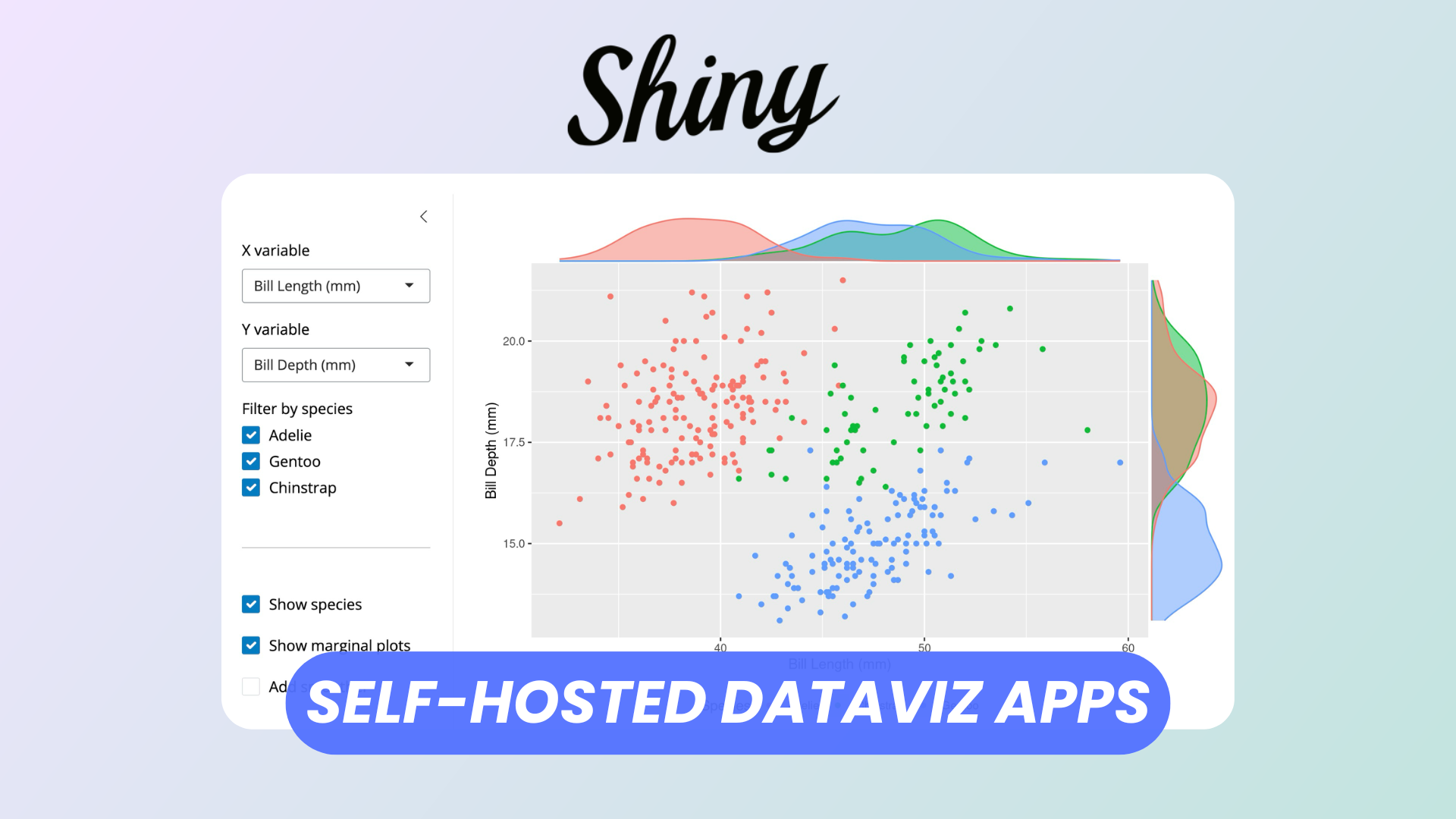
Data visualization and interactive dashboards have become essential for modern analytics workflows. Tools such as Microsoft Power BI and Tableau are widely adopted due to their polished interfaces and powerful features. However, they often come with licensing costs, usage limits, or restrictions that may not suit individual developers, researchers, or small teams.
Shiny Server, part of the Shiny ecosystem developed around the R programming language, offers a compelling open source alternative. It enables users to deploy interactive web applications directly from their R scripts, making advanced data exploration accessible through a web browser without requiring proprietary software. For organizations looking for full control over their infrastructure and no recurring licensing fees, Shiny Server provides a flexible and scalable solution.
This article walks through the essentials of getting started with Shiny Server, from installation to creating and managing applications, as well as discovering available components to build rich dashboards.
Watch our platform overview
Installation
Shiny Server is available for Linux environments and is commonly installed on Ubuntu or other Debian based distributions. The installation process generally involves setting up R, installing the Shiny package, and then installing the Shiny Server service itself.
The typical steps include
- Installing R from the official CRAN repositories
- Installing the Shiny package from within R
- Downloading and installing the open source edition of Shiny Server
- Starting and enabling the Shiny Server service so that it runs automatically
Detailed step by step instructions can be found on the official documentation page
https://docs.posit.co/shiny-server/
Once installed, Shiny Server runs as a web service and serves applications from a specific directory on the host machine. By default, applications placed in the designated directory are automatically made accessible through a web browser.
Simple Listing of Apps
After installation, Shiny Server hosts applications from a predefined folder. Each subfolder inside this directory represents a separate application. This simple folder based deployment model makes it easy to manage multiple dashboards without additional configuration.
To list and access available applications
- Place each Shiny app in its own directory
- Ensure that each directory contains the required application files
- Navigate to the server URL in a browser to view the automatically generated listing page
The default landing page shows all available applications as clickable entries. This provides a basic application gallery out of the box, which is sufficient for internal tools, prototypes, or small teams.
Administrators who require more control can customize the configuration file to change the location of the application directory, restrict access, or integrate authentication mechanisms.
Simple Shiny App Creation
Creating a Shiny application involves defining a user interface and a server logic component. The user interface controls how elements such as charts, tables, and inputs are displayed, while the server logic defines how data is processed and how the application responds to user interactions.
At a high level, building a simple Shiny app involves
- Creating a new project or folder
- Defining the layout of the application interface
- Connecting interface elements to reactive data processing logic
- Testing the application locally using the Shiny runtime
Comprehensive tutorials and examples are available on the official Shiny website
Once the application works locally, deploying it to Shiny Server usually requires copying the application folder into the server’s application directory. The server automatically detects the new app and makes it available via the browser.
Installing Libraries
Many Shiny applications rely on additional R packages for data manipulation, visualization, and database connectivity. These packages must be installed on the same system where Shiny Server runs so that applications can load them at runtime.
The process typically includes
- Installing required packages in R using the standard package installation mechanisms
- Verifying that packages are installed for the correct R version used by Shiny Server
- Restarting Shiny Server if necessary to ensure new packages are recognized
Popular libraries commonly used in Shiny applications include tools for data wrangling, interactive charts, and database access. A comprehensive list of available packages can be explored on CRAN
https://cran.r-project.org/web/packages/
Maintaining a clear list of dependencies for each application helps ensure reproducibility and simplifies deployment to new servers.
Components and Gallery
One of Shiny’s strengths lies in its extensive ecosystem of UI components and extensions. Developers can choose from a wide range of inputs, outputs, and layout elements to create dashboards that rival commercial business intelligence tools.
Examples of available components include
- Interactive plots and charts
- Data tables with sorting and filtering
- Input controls such as sliders, dropdowns, and date pickers
- Layout systems for multi panel dashboards
The official Shiny gallery provides many real world examples that demonstrate how these components can be combined to build complex applications
https://shiny.posit.co/r/gallery/
Exploring the gallery is one of the fastest ways to learn design patterns and discover advanced capabilities such as reactive programming, modular applications, and integration with external services.
Conclusion
Shiny Server offers a powerful and cost effective alternative to commercial dashboarding platforms like Power BI and Tableau. By leveraging the R ecosystem and open source deployment model, it allows teams to build fully customized data applications without being constrained by licensing or proprietary formats.
While it may require more technical setup compared to drag and drop BI tools, the flexibility it provides is unmatched. For developers, data scientists, and organizations that value transparency, extensibility, and control over their infrastructure, Shiny Server represents a mature and capable solution for delivering interactive data products on the web.