
Stirling PDF: The Open-Source Tool That Finally Lets You Delete Adobe Acrobat

Every business deals with PDFs. Contracts to sign, invoices to merge, reports to compress, scanned documents to make searchable. And for most teams, that means one of two things: paying Adobe $20/month per user, or uploading sensitive files to some random free website you found on Google.
Neither option is great. One drains your budget, the other sends your confidential data to servers you don't control.
There's a third option now, and it's the #1 PDF application on GitHub: Stirling PDF.
What Stirling PDF Actually Does
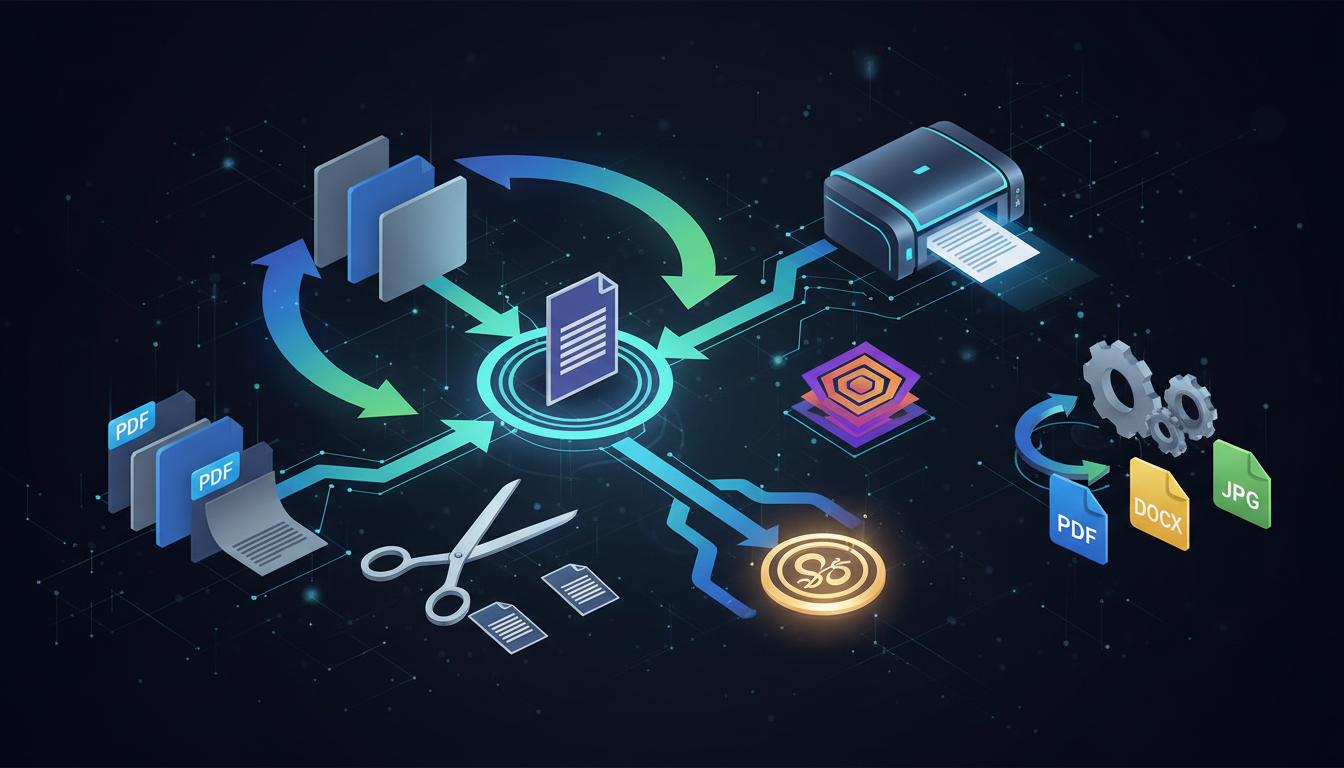
Stirling PDF is an open-source platform with 50+ PDF tools that runs entirely on your own infrastructure. Think of it as your team's private Adobe Acrobat, except nobody's paying per-user fees and no document ever leaves your servers.
Here's what you can do with it:
- Merge and split PDFs (combine contracts, extract specific pages)
- Compress files to reduce size by up to 90%
- OCR scanned documents to make them searchable and copy-pasteable
- Sign documents with handwritten or digital certificate signatures
- Convert between 50+ formats (Word, Excel, PowerPoint, images, HTML, Markdown)
- Redact sensitive information permanently
- Compare two versions of a document side by side
- Add watermarks, passwords, and page numbers
- Batch process entire folders through automated pipelines
All of this runs through a clean web interface that works on any device with a browser. No software to install on employee machines. No training required. If someone can use a website, they can use Stirling PDF.
The Privacy Argument That Sells Itself
Here's the part that makes IT security teams pay attention: when your team uses a free online PDF tool, every document gets uploaded to someone else's server. That contract with your client's financial details? Uploaded. That HR document with employee information? Uploaded. That medical form? You get the idea.
With Stirling PDF, every file stays on your server. Nothing gets sent to a third party. Nothing gets stored in someone else's cloud. For companies in regulated industries (legal, healthcare, finance, government), this isn't just a nice-to-have. It's a compliance requirement.
The platform supports SSO integration and audit logs for enterprise deployments, so your security team can track exactly who processed which document and when.
The Cost Comparison Your CFO Will Love
Let's talk numbers. A team of 20 people using Adobe Acrobat Pro:
| Expense | Adobe Acrobat Pro | Stirling PDF (Elestio) |
|---|---|---|
| License per user | $19.99/mo | $0 (open-source, no license fees) |
| Monthly cost (20 users) | $399.80/mo | $0 |
| Infrastructure | Included | ~$29/mo (Elestio managed hosting) |
| Annual total | $4,798 | $348 |
| Annual savings | - | $4,450 |
That's a 93% cost reduction. And unlike Adobe, the price doesn't scale with headcount. Whether you have 5 users or 500, the infrastructure cost stays roughly the same.
The open-source core is licensed under MIT, one of the most permissive licenses available. All 50+ PDF tools are included for teams up to 5 users at no cost. For larger teams that need SSO, advanced audit logging, and priority support, paid plans start at $99/month.
Who's Already Using This
Stirling PDF went from a side project to 73,000+ GitHub stars and 20 million downloads in under three years. It was created in January 2023 by Anthony Stirling, a UK-based developer who needed to sign a PDF and refused to pay Adobe for the privilege. He built the first version in a day, posted it on Reddit, and it took off.
In 2024, the project received $2 million in funding from Open Core Ventures (founded by GitLab's co-founder) and launched desktop apps for Windows, macOS, and Linux. The platform now supports 40+ languages and has 278 contributors maintaining the codebase.
XDA Developers called it a "non-negotiable" part of any self-hosted productivity stack. Tech publications across the board have covered it as the tool that finally makes Adobe Acrobat optional for most business workflows.
Getting Started Takes 5 Minutes
You don't need to be technical to get Stirling PDF running. The simplest path is a one-click deployment through Elestio:
- Go to elest.io/open-source/stirling-pdf
- Pick your cloud provider and region (Hetzner, DigitalOcean, AWS, Vultr, and more)
- Choose a plan (2 CPU / 4 GB RAM is plenty for most teams)
- Click Deploy
That's it. Elestio handles the server setup, SSL certificates, automatic backups, updates, and security patches. Your team gets a private URL they can bookmark and start using immediately.
For custom domain setup with automated SSL, follow the official Elestio documentation.
When Stirling PDF Isn't the Right Fit
Transparency matters, so here's where Adobe still wins: if your workflow requires deep, granular editing of text inside existing PDFs (changing paragraphs, reflowing content, editing embedded fonts), Acrobat's text editing is more mature. Stirling PDF's text editor is still in alpha.
For everything else, merging, splitting, compressing, signing, converting, redacting, OCRing, and batch processing, Stirling PDF handles it as well as or better than Acrobat. And your documents never leave your control.
The Bottom Line
The question isn't whether your business needs PDF tools. You already do. The question is whether you should keep paying per-user fees to Adobe while uploading sensitive documents to their cloud, or run your own private PDF platform for a fraction of the cost.
73,000+ GitHub stars and 20 million downloads suggest a lot of teams have already made their choice.
Thanks for reading! See you in the next one.