
Synaplan: Free Open Source ChatGPT Alternative You Can Self-Host

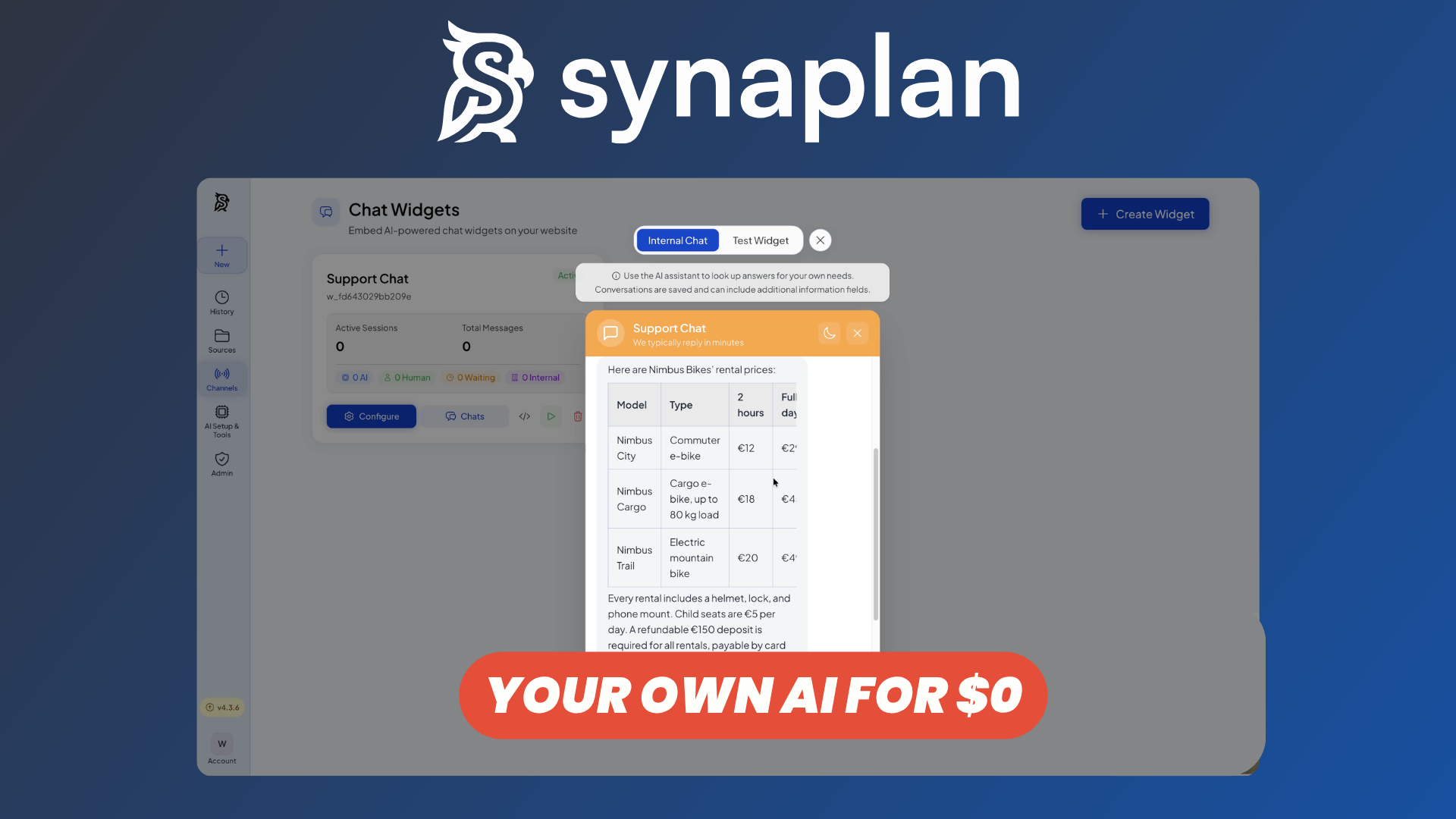
ChatGPT has become one of the most popular ways to interact with AI, but relying on a hosted platform isn't always ideal—especially when you want more control over your data, models, integrations, and infrastructure.
Synaplan is a free and open-source AI platform that you can self-host. It combines a familiar LLM chat experience with multiple AI providers, a synchronized knowledge base, external communication channels, tools, embeddable widgets, and MCP support.
Instead of being tied to a single AI provider or interface, Synaplan can act as a central AI platform for your organization.
Let's take a closer look at what it offers.
Watch our platform overview
AI Providers
One of Synaplan's biggest advantages is that it isn't tied to a single LLM provider.
You can connect different AI providers and choose which models you want to use depending on your needs. Synaplan supports major providers such as OpenAI, Anthropic, Google Gemini, Groq, Mistral, xAI, and others, while local models can also be connected through Ollama.
This gives you considerably more flexibility than a traditional AI chat application. You can select different models depending on the task and balance factors such as performance, privacy, latency, and cost.
For organizations that want to reduce their dependency on a single AI vendor, this multi-provider approach is particularly useful.
Channels: WhatsApp, Mail, API & More
Synaplan isn't limited to conversations happening inside its web interface.
The platform can connect AI assistants to different communication channels, allowing users to interact with the same underlying AI system from the applications they already use.
This includes channels such as WhatsApp Business, email, Outlook, web interfaces, and APIs.
The important part is that these channels can share the same assistants, knowledge, and AI configuration. Instead of creating an isolated chatbot for every communication channel, Synaplan can provide a centralized AI layer across them.
For example, a company could connect an assistant to WhatsApp for customer questions while also making the same knowledge available through its website and internal tools.
Desktop & Mobile Clients
Synaplan can also move beyond the browser.
Desktop and mobile clients make it possible to access your AI environment from different devices while remaining connected to the same Synaplan workspace.
The desktop integration is particularly interesting because it can pair a computer with Synaplan and allow agent skills to run locally, giving the platform access to capabilities that aren't necessarily available from a conventional browser-based chatbot.
For mobile usage, Synaplan also provides a mobile experience for interacting with chats, documents, and other AI functionality while connecting either to the hosted service or your own deployment.
Synchronized Knowledge Base
A useful AI assistant needs access to more than the information contained in its base model.
Synaplan includes a synchronized knowledge system based on RAG, or Retrieval-Augmented Generation.
You can bring documents and other information into your knowledge base, where Synaplan can process and index the content for semantic retrieval. When you ask a question, relevant information can then be retrieved and provided to the model as additional context.
Synaplan can also connect to external storage and productivity systems, including services such as Microsoft 365, Nextcloud, Dropbox, and WebDAV.
This makes it possible to build an AI assistant around your organization's own information instead of relying exclusively on the model's general training data.
LLM Chat Interface with Tools
At its core, Synaplan provides the LLM chat experience you would expect from a ChatGPT alternative.
You can interact conversationally with different models, work with files and knowledge sources, and use AI capabilities from a centralized interface.
But Synaplan goes beyond basic question-and-answer conversations by supporting tools and agents.
An assistant can combine information retrieved from your knowledge base with external tools and connected systems. This allows the AI to perform more sophisticated workflows rather than simply generating text.
Synaplan also includes concepts such as tool permissions, human approvals, and audit logs, which become increasingly important when AI assistants are allowed to interact with business systems.
Embeddable Widgets
If you want to expose your AI assistant directly to customers or website visitors, Synaplan provides embeddable chat widgets.
The widget can be integrated into an existing website with a small snippet while connecting visitors to an assistant running through Synaplan.
This means the same knowledge and AI infrastructure you use internally can also power a public-facing support or information assistant.
Widgets can be customized to better integrate with your website and can support scenarios such as customer support, documentation assistance, lead generation, or product questions.
Rather than building an entire chatbot frontend from scratch, you can use Synaplan as both the AI backend and the interface powering the experience.
Costs & Usage Dashboard
Using multiple AI models can quickly make costs difficult to understand, particularly when different providers use different pricing structures.
Synaplan provides visibility into AI usage so you can better understand how your models are being consumed.
This is especially useful when deploying AI across multiple users, assistants, and channels.
Instead of looking separately at every provider dashboard, administrators can use Synaplan as the centralized layer for managing and monitoring how AI resources are being used.
Combined with multi-model routing, this can also help organizations make more deliberate decisions about which models should handle particular workloads.
MCP Server
Synaplan also supports MCP, the Model Context Protocol.
MCP provides a standardized way for AI applications to expose and interact with tools and external sources.
Synaplan can operate both as an MCP client and as an MCP server. As a client, it can connect agents to external MCP-compatible systems and tools.
As a server, Synaplan can expose capabilities such as its knowledge base and AI functionality to other MCP-compatible applications.
This makes Synaplan particularly interesting if you're building a broader AI ecosystem rather than simply looking for a standalone chat interface. Your Synaplan deployment can become part of the infrastructure used by other AI clients and development tools.
Documentation
Synaplan provides extensive documentation covering installation, configuration, integrations, its API, widgets, channels, MCP, and other platform features.
The project is Dockerized, making it relatively straightforward to get started with a self-hosted deployment. The platform is also released under the Apache 2.0 license, giving you the ability to inspect, modify, and deploy the software on your own infrastructure.
For more advanced deployments, Synaplan can also be deployed using Kubernetes.
This makes it suitable both for users experimenting with self-hosted AI and organizations looking for an AI platform they can integrate more deeply into their existing infrastructure.
Conclusion
Synaplan is much more than a self-hosted chat interface.
It brings together multiple AI providers, RAG-powered knowledge, communication channels, tools, website widgets, desktop and mobile access, usage monitoring, APIs, and MCP integrations within one open-source platform.
That makes it an interesting ChatGPT alternative for organizations that want to maintain more control over where their AI runs, which models they use, and how their internal data connects to those models.
And because you can self-host Synaplan, you aren't forced to build your AI workflows around a single proprietary platform.
If you want to deploy your own instance, you can get started with Synaplan on Elestio.