
Weblate: Free Open Source Alternative to Crowdin & Lokalise

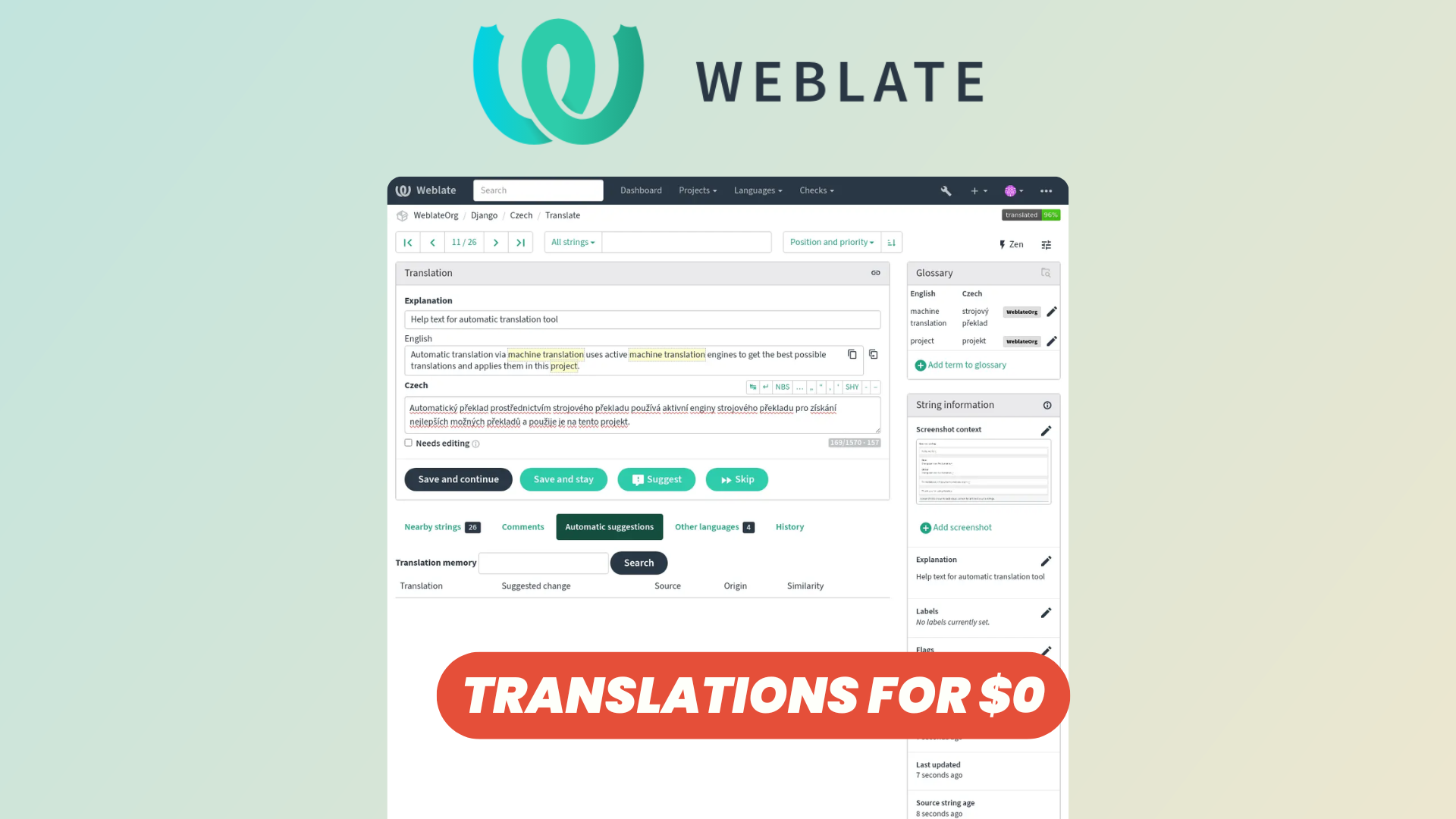
Managing translations becomes increasingly complex as an application grows. What starts with a couple of JSON or PO files can quickly turn into dozens of languages, thousands of strings, multiple contributors, and a workflow that needs to stay synchronized with your codebase.
Platforms like Crowdin and Lokalise are popular solutions for managing software localization, but if you're looking for an open-source alternative that you can self-host, Weblate is one of the most established options available.
Weblate combines a browser-based translation environment with deep version-control integration, allowing developers and translators to collaborate while keeping translation files synchronized with the actual source code.
In this overview, we'll explore its project structure, translation experience, diagnostics, CI/CD capabilities, and more.
Workspaces & Projects
Weblate organizes translations around projects and components.
A project acts as the main container for a product or application, grouping together the different resources that need to be translated. Components sit underneath projects and generally correspond to individual translation resources or parts of an application.
This structure makes Weblate suitable for anything from a small application with a single translation file to larger projects containing multiple services, applications, documentation sets, or repositories.
You can deploy Weblate on your own infrastructure if you want full control over your localization environment and data.
Translation Components
Components are at the core of how Weblate connects translations with your application.
Each component can be linked to a source code repository and configured according to the translation format used by the project. Weblate supports a large variety of localization formats, making it possible to integrate it into many existing applications without restructuring the entire localization system.
Components also provide their own configuration for repositories, languages, translation behavior, workflows, and access.
For larger projects, this modular approach is particularly useful because different parts of an application can have independent translation requirements while remaining grouped under the same Weblate project.
Diagnostics
Translation isn't simply about replacing one sentence with another. Small mistakes can easily make their way into an application.
Weblate includes automated checks that help identify potential translation problems.
These diagnostics can flag strings requiring attention and give translators a way to focus specifically on unfinished or problematic translations rather than manually reviewing the entire project.
This adds a useful quality-control layer to the localization workflow, especially when many contributors or languages are involved.
Translating Experience
The main translation interface gives contributors the context they need to work through strings efficiently.
Translators can move between strings, enter translations, review existing content, add suggestions, and work with additional contextual information provided by the project.
Weblate supports different translation workflows as well. Projects can accept translations directly or use suggestions and reviews when additional validation is required.
This means you can keep the workflow simple for a small trusted team or introduce more structured review processes for larger localization projects.
Zen Mode & Keyboard Shortcuts
For translators spending significant amounts of time inside the platform, Weblate includes Zen Mode.
Zen Mode strips away some of the surrounding interface and focuses primarily on the strings being translated. Instead of navigating through a more detailed editor for every entry, translators can work through translations in a streamlined environment.
Weblate also provides extensive keyboard shortcuts.
For example, translators can navigate between strings and submit translations without constantly reaching for the mouse. Ctrl/Cmd + Enter can save the current translation and continue to the next one, while several additional shortcuts handle navigation, suggestions, comments, and editing.
For occasional contributors this may simply save a little time, but for translators processing hundreds or thousands of strings, it can make the workflow considerably faster.
Translation with CI/CD
One of Weblate's strongest features is its integration with development workflows.
Rather than treating localization as a completely separate process, Weblate can work directly with version-controlled translation files.
Developers can push changes to their repository, Weblate can pull and parse the updated translation resources, and translators can then work on the new or modified strings through the Weblate interface.
Once translations are ready, Weblate can commit those changes and push them back upstream.
This creates a continuous localization workflow where translations evolve alongside the application rather than being manually exported and imported before each release.
Depending on your repository setup, Weblate can also work with pull or merge request workflows instead of directly modifying protected branches.
Agnostic Translation System
Another advantage of Weblate is that it isn't tied to one specific programming language, framework, or development stack.
The platform works around your translation resources and version-control workflow rather than forcing the application itself to use a proprietary localization system.
That makes it possible to use Weblate with many different applications and translation formats.
Your translation files also remain part of your codebase. This is particularly attractive for open-source projects and teams that want their localization infrastructure to fit into existing development practices rather than becoming a separate source of truth.
Dashboard, Search, & Settings
Weblate's dashboard provides a central place to follow translation activity and access the projects you're working on.
As the number of strings increases, its search capabilities become particularly useful. Instead of manually browsing through translation files, contributors can locate specific strings and filter translations based on their state or other criteria.
Projects and components also expose extensive settings for configuring translation workflows, repository behavior, languages, access control, and other localization options.
This flexibility means Weblate can support relatively straightforward community translation projects as well as more controlled internal workflows.
Documentation
Weblate has extensive official documentation covering both translators and administrators.
The documentation goes beyond basic installation and includes guides for translation workflows, version-control integration, continuous localization, supported formats, access control, APIs, add-ons, and administration.
You can find the official Weblate documentation for detailed configuration instructions and more advanced deployment scenarios.
Conclusion
Weblate provides an interesting open-source alternative to proprietary localization platforms such as Crowdin and Lokalise.
Its biggest strength is the connection between translation management and the software development workflow. Instead of translations living in an isolated platform that developers periodically synchronize with their application, Weblate can interact directly with version-controlled translation files and become part of a continuous localization pipeline.
You still get the features translators expect from a dedicated localization platform: projects and components, diagnostics, translation reviews, search, streamlined editing, keyboard shortcuts, and collaborative workflows.
At the same time, its open-source nature gives organizations the option to self-host the entire system and retain control over their infrastructure and localization data.
If you're looking for a localization platform that combines a translator-friendly interface with developer-focused Git integration, Weblate is well worth exploring.