
Temporal: Open Source Durable Workflows for Apps & AI Agents

Most backend code assumes the happy path. You call an API, write to a database, send an email, and move on. Then the process crashes halfway through, the network times out, or a third-party service returns a 503, and suddenly you're writing retry loops, idempotency keys, status columns, and reconciliation jobs just to keep your own logic from corrupting itself. That glue code is where a surprising amount of engineering time goes, and it's rarely the part anyone wanted to build.
Temporal takes that whole category of problem off your plate. It's an open-source, MIT-licensed platform for durable execution: you write your business logic as ordinary code, and Temporal guarantees it resumes exactly where it left off after a crash, a deploy, a network failure, or an infrastructure outage. That recovery holds whether the interruption lasts seconds, days, or even years. The project grew out of Uber's Cadence and is now used in production by companies like Stripe, Netflix, and Snap for things like payments, order fulfillment, and onboarding flows that simply cannot be allowed to disappear mid-run.
The same properties that make Temporal good at payments make it a strong fit for AI agents. An agent loop is a long-running, multi-step process full of calls that can fail: model requests that hit rate limits, tools that time out, steps that depend on results from earlier steps. Temporal turns that loop into something durable, so an agent can survive a restart and pick up its reasoning without losing its place.
You can run Temporal two ways: self-host the open-source server yourself, or use Temporal Cloud. If you want the open-source version without operating the database and search layer by hand, you can also deploy it as a fully managed service on Elestio, which provisions the full stack on a dedicated VM with backups, SSL, and updates handled for you.
Watch our platform overview
Workflows
A Workflow is the heart of Temporal, and it's just a function. You write it in your language of choice, and inside it you express the steps of your process: charge the card, reserve inventory, send the confirmation, schedule the shipment. What makes it special is that Temporal records every step in an event history, so the function's full state is durable and can be replayed to reconstruct exactly where it was.
The one rule worth internalizing is that Workflow code must be deterministic. Given the same history, it has to make the same decisions every time, because Temporal recovers a Workflow by replaying its history rather than by snapshotting memory. That means anything non-deterministic, like calling an external API, reading the current time, or generating a random value, doesn't go directly in the Workflow. It goes in an Activity.
Activities are the functions that touch the outside world. They're where your API calls, database writes, and file operations live, and Temporal wraps each one in automatic retries with configurable timeouts and backoff. If an Activity fails because a card was declined or a service was briefly down, Temporal retries it according to the policy you set, without you writing a single retry loop. The split is clean: Workflows hold the orchestration and the durable state, Activities do the side effects.
Workers
Here's the part that surprises people the first time: the Temporal Service never runs your code. It doesn't execute your Workflows or Activities on its own machines. Its job is to persist state, track event history, and hand out tasks. Your actual code runs in processes you operate, called Workers.
A Worker is a program you write and deploy. It connects to the Temporal Service, registers which Workflows and Activities it knows how to run, and then opens long-polling connections to a Task Queue, essentially asking the server over and over, "do you have any work for me?" When the server has a Workflow Task or an Activity Task waiting, it hands it to an available Worker, the Worker executes the corresponding function, and it reports the result back. The server records that result as a new event and the cycle continues until the Workflow is done.
This design is what gives Temporal its resilience. Workers are stateless, so if one crashes mid-execution, the task it was holding stays on the queue and another Worker picks it up, replays the event history to rebuild the exact state, and carries on from there. It's also how you scale: when work piles up, you run more Worker processes against the same Task Queue, and the server distributes tasks across all of them. You can route different kinds of work to different queues too, sending GPU-heavy Activities to Workers running on GPU boxes, for example, while everything else runs on cheaper hardware.
Because the Service and the Workers are decoupled, you can deploy a Workflow request even when no Worker is currently running. The task waits on the queue until a Worker comes online to claim it.
Workflow details
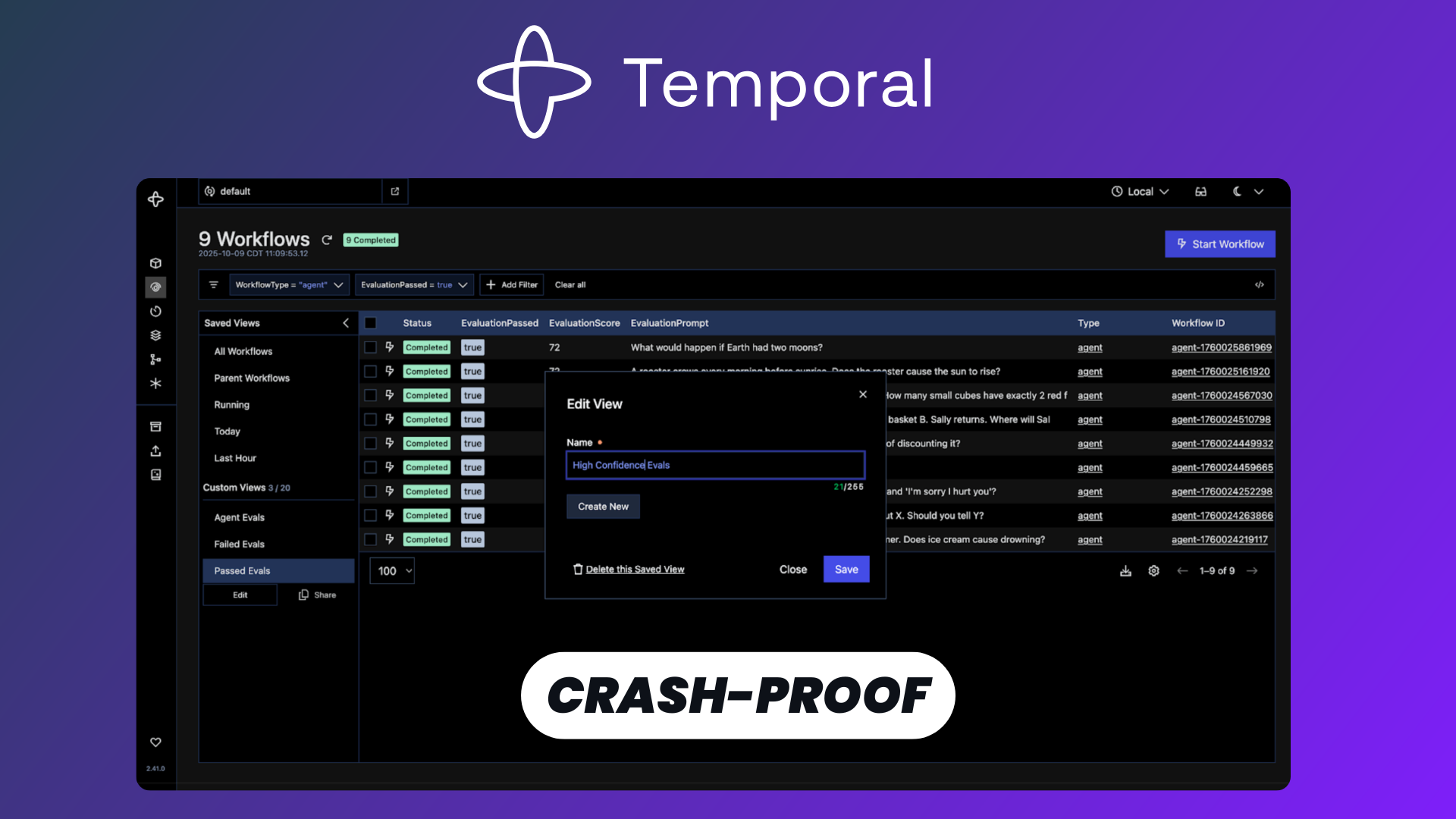
Everything Temporal records becomes visible in the Web UI, which ships with the server and is one of the most underrated parts of the platform. Open it and you get a list of every Workflow Execution in your namespace, with its status, type, start time, and how long it ran.
Click into a single execution and you see its complete event history: every step the Workflow took, every Activity it scheduled, every result that came back, every timer it set, laid out as a human-readable log. Because that history is the source of truth Temporal uses for replay, you're looking at the real, exact state of the Workflow rather than a guess assembled from scattered logs. You can inspect inputs and outputs, see where a Workflow is currently waiting, and follow precisely what happened and in what order.
This turns debugging into something closer to time travel. When a long-running process behaves unexpectedly, you don't reconstruct the story from log lines across half a dozen services. You open the execution, read its history, and find the exact step where things diverged. For workflows that run for hours or days, that visibility is the difference between a five-minute fix and an afternoon of guessing.
Schedules
For anything that needs to run on a recurring basis, Temporal has Schedules, which are a direct replacement for cron jobs and considerably more capable. You attach a Schedule to a Workflow and it kicks off executions at the times or intervals you specify, using cron-style syntax or fixed intervals.
The advantage over a traditional cron entry is control and visibility. Each scheduled run is a full Workflow Execution with its own retries, event history, and alerting, so when a nightly job fails you actually know about it and can see why. You can pause and resume a Schedule, trigger an extra run on demand, backfill missed runs over a past time range, and list or update Schedules without redeploying anything. All of it is available from the SDK, the CLI, and the Web UI, where a dedicated Schedules page shows each schedule's frequency, recent runs, and upcoming runs.
That makes Schedules a clean fit for periodic data syncs, billing cycles, report generation, or an AI agent that wakes up every few minutes to poll for new data and act on it. You get the timing of cron with the durability and observability of the rest of Temporal.
Batch
When you're running thousands of Workflows at once, you eventually need to act on a whole group of them at the same time, and that's what Batch operations are for. Instead of touching executions one by one, you select a set of Workflows using a search query and apply a single action across all of them.
From the Web UI or the CLI, you can batch-cancel, batch-terminate, or send a signal to every Workflow that matches your filter. That's exactly what you want during an incident or a migration: pause or stop a misbehaving cohort, push a correction signal to a group of stuck executions, or clean up after a bad deploy, all in one operation rather than thousands of manual clicks. For a platform built to run huge numbers of long-lived processes, having a bulk control surface like this is what keeps day-two operations manageable.
Integrations
Temporal meets you in whatever language your stack already uses. There are official SDKs for Go, Java, Python, TypeScript, .NET, PHP, and Ruby, and because the orchestration logic lives in the server, you can even mix languages across services within the same system. Workflow logic stays portable: it's your own code, not a vendor-specific config format locked to one cloud.
On the AI side, Temporal has leaned in hard. It works as the reliability layer underneath agent frameworks rather than replacing them, so you keep the developer experience of your framework of choice while gaining durability for free. The Vercel AI SDK integration is a good example: with a small change to how you create the language model, the plugin wraps every LLM call as a Temporal Activity automatically, so rate limits, network blips, and process crashes get retried and recovered without you wiring any of it up. There's growing support for MCP and for orchestrating multi-step agent and training pipelines as durable workflows.
And because Temporal is open source, it slots into infrastructure you already run. You can stand it up with Docker Compose, run it on Kubernetes with autoscaling Workers, or deploy a fully managed instance on Elestio when you'd rather not babysit the PostgreSQL and Elasticsearch services the stack depends on.
Conclusion
Temporal solves a problem almost every backend eventually runs into: keeping long-running, multi-step logic correct when the world around it keeps failing. By making execution durable by default, it lets you delete the retry loops, the status columns, and the reconciliation jobs, and write your actual business logic as plain, readable code that survives crashes on its own.
The model is small once it clicks. Workflows hold your durable orchestration, Activities do the risky side-effect work with automatic retries, and Workers run all of it in processes you control while the Temporal Service handles state and coordination. Around that core you get a Web UI for deep visibility, Schedules to replace cron, batch operations for managing executions at scale, and SDKs in seven languages plus a real story for durable AI agents.
If you want to try it without the operational overhead, deploying Temporal on Elestio gives you the open-source platform as a fully managed service, with the whole stack provisioned, backed up, and kept up to date for you. From there, point an SDK at it, write your first Workflow, and watch it pick up right where it left off the next time something goes wrong.